
Copilot Everywhere: How AI Is Reshaping the Power Platform Experience

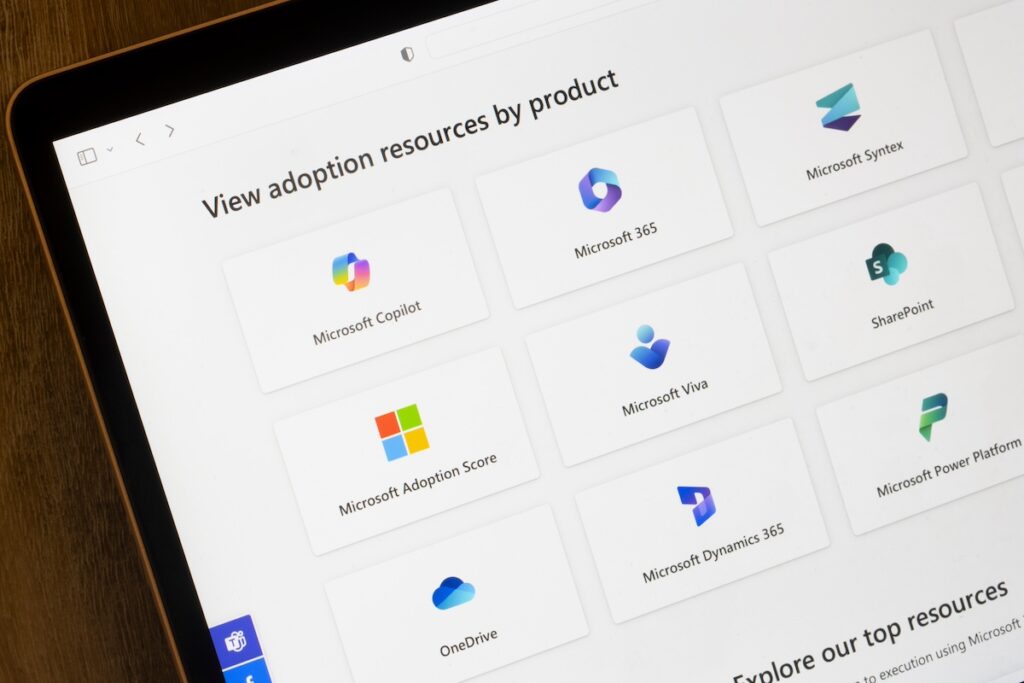

If you’ve spent any time in the Microsoft Power Platform lately, you’ve probably noticed something different. It’s not just the sleeker UI or the faster load times. It’s the quiet hum of AI working behind the scenes. Copilot, Microsoft’s generative AI assistant, is no longer just a novelty. It’s becoming the backbone of how we build, automate, and analyze across Power Apps, Power Automate, Power BI, and Power Pages.
With the 2025 Release Wave 2, Microsoft has taken a bold step: Copilot isn’t just a feature, it’s a philosophy. Let’s unpack what that means and how it’s changing the way we work.
Power Apps: From Blank Canvas to Smart Suggestions
Remember the days of staring at a blank screen, trying to figure out which fields to add to your form or what logic to build into your app? Copilot now helps you skip that awkward phase.
One of the standout features is Smart Paste. You can copy data from Excel or a website, paste it into Power Apps, and Copilot will automatically suggest the best data types, relationships, and even layout options. It’s like having a junior developer sitting beside you, whispering helpful hints.
Another gem: Predictive Field Suggestions. As you build your app, Copilot analyzes your schema and usage patterns to recommend fields you might need. For example, if you’re building a customer intake form, it might suggest adding “Preferred Contact Method” or “Lead Source” based on similar apps.
These aren’t just time-savers, they’re creativity boosters. You spend less time fiddling with structure and more time thinking about user experience and business value.
Power Automate: Copilot as Your Flow Whisperer
Power Automate has always been powerful, but let’s be honest, it could feel a bit intimidating. Expressions, conditions, loops… it’s a lot. That’s where Copilot for Expression Builder comes in.
Instead of Googling syntax or trial-and-error testing, you can now describe what you want in plain English. “I want to extract the domain from an email address,” and Copilot will generate the correct expression. It’s like having a translator between your intent and the platform’s logic.
Also new: Copilot in Desktop Flow Recorder. As you record steps on your desktop, Copilot helps optimize and annotate them, making your flows cleaner and easier to maintain. It’s especially helpful for RPA scenarios where precision matters.
And for governance nerds (no judgment – I’m one too), the new Automation Center gives you visibility into flow health, usage, and compliance. Copilot helps surface anomalies and suggest improvements, making it easier to scale automation responsibly.
Power Pages: AI for Security, Compliance, and Speed
With Copilot stepping into Power Pages, the platform is getting a serious glow-up.
One of the most exciting additions is the Admin Trust & Compliance Agent. This Copilot-powered tool monitors your site for potential security risks, compliance violations, and performance issues. It doesn’t just flag problems – it explains them and suggests fixes.
There’s also Code Security Scan, which reviews your custom code for vulnerabilities. For developers working in regulated industries, this is a game-changer. It’s like having a security consultant built into your IDE.
And if you’re spinning up new sites, the CLI-based site creation and deletion process now integrates Copilot to guide you through setup, permissions, and deployment. It’s faster, safer, and more intuitive.
Power BI: Visualize Without Switching Context
While Power BI isn’t the main stage for Copilot in this release, there’s a subtle but powerful update: Visualize Data in View. From within Power Apps, you can now ask Copilot to generate a Power BI-style visualization of your data, without leaving the app.
This is huge for decision-makers who want quick insights without jumping between tools. It’s also a win for app builders who want to validate their data models on the fly.
Copilot as a Design Partner, Not Just a Tool
What’s striking about this wave of updates is how Copilot is evolving. It’s no longer just reactive (“you ask, it answers”). It’s becoming proactive – suggesting, guiding, and even challenging your assumptions.
Microsoft’s vision is clear: Copilot isn’t here to replace developers, analysts, or admins. It’s here to amplify them. By handling the repetitive, technical, or syntactic parts of the job, it frees up humans to focus on strategy, creativity, and impact.
What This Means for You
Whether you’re a solo app builder, a consultant managing dozens of environments, or an enterprise architect overseeing governance, Copilot is now part of your toolkit. And it’s only going to get smarter.
Here’s what I recommend:
- Try Smart Paste in Power Apps with a real dataset. You’ll be surprised how much it gets right.
- Use Copilot in Power Automate to build a flow from scratch using natural language.
- Explore the Automation Center to see how Copilot surfaces insights you might’ve missed.
- If you manage Power Pages, run a Code Security Scan and see what it catches.
The future of low-code isn’t just faster. It’s smarter. And with Copilot everywhere, it’s also a lot more fun.
