
What’s New in Microsoft 365 Copilot

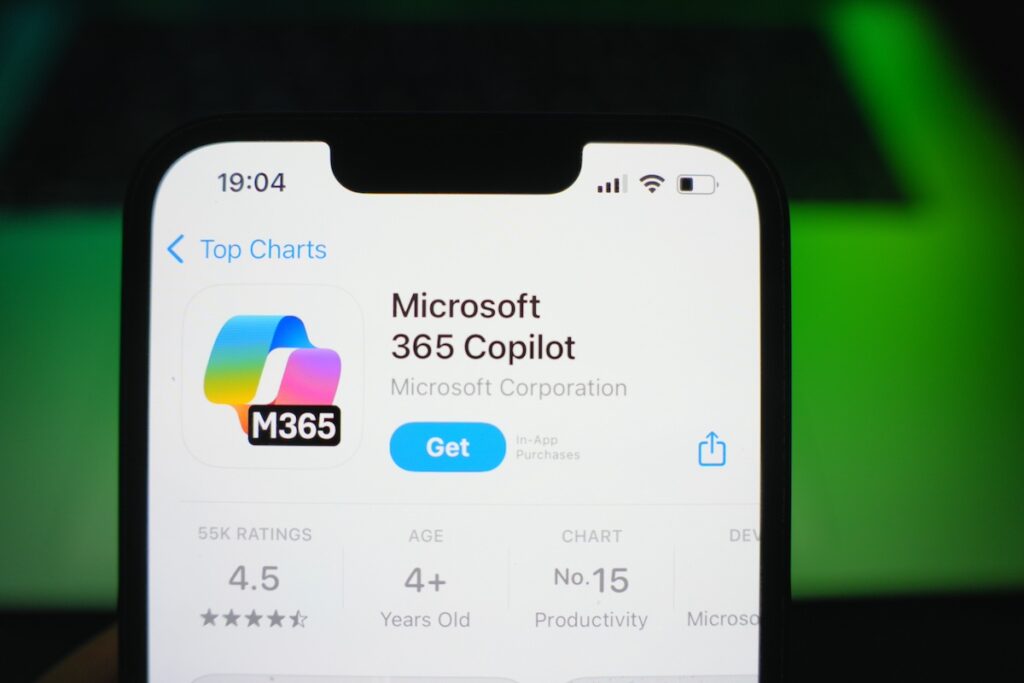

December continued the theme we saw solidify in November: less flash, more dependability. While Ignite set the strategic direction in November, December focused on strengthening the foundations — improving how Copilot understands your work through Work IQ, refining Copilot Chat quality, and smoothing day-to-day experiences across Microsoft 365 apps.
Rather than introducing a brand-new “headline” capability, Microsoft concentrated on making Copilot more predictable, more contextual, and easier to adopt at scale. Let’s break down what changed.
At a glance:
- Work IQ enhancements (IMPROVEMENT)
- Improvements to quality and agent performance in Copilot Chat (IMPROVEMENT)
- Updated navigation and search capabilities in the Microsoft 365 Copilot app (IMPROVEMENT)
- Suggested references, student access, and OneNote availability for Copilot Notebooks (IMPROVEMENT / EXPANSION)
- Unified experience, Entra authentication, agent update, and more for Copilot in Teams (IMPROVEMENT)
- Formula completion and Agent Mode in Excel (IMPROVEMENT + NEW)
- Explanations and image editing for Copilot in PowerPoint (IMPROVEMENT)
- Copilot Chat powered by GPT‑5 by default (IMPROVEMENT)
Work IQ
Work IQ remains the quiet force behind Microsoft 365 Copilot and agents. In the November edition, we framed Work IQ as the intelligence layer that blends your work data, preferences, relationships, and patterns to guide next actions. December builds on that foundation with continued enhancements that make Copilot’s responses feel more relevant and less “template-like.”
Practically, this is the kind of improvement that shows up as fewer re-prompts. When you ask a follow-up— “now rewrite that for leadership” or “what should we do next?” — Copilot is increasingly able to stay inside the same thread of work instead of drifting into generic advice.
Try it: “Summarize what’s changed in Project Alpha since last week and suggest next steps.”
Copilot Chat Quality & Model Improvements
December also brings continued improvements to Copilot Chat quality and agent performance. Expect smoother multi-turn conversations, more reliable follow-ups, and less friction when you move from brainstorming to execution.
One notable platform-level change called out in Microsoft’s release notes: Copilot Chat experiences are now powered by GPT‑5 by default. Microsoft positions this as faster, smarter results with automatic routing to the best-performing models depending on task complexity — fast models for simple requests and specialized reasoning models for multi-step work.
Try it: Ask a two-step request like “Draft this email, then shorten it to 3 bullets for Teams.”
Microsoft 365 Copilot App: Navigation & Search
Updated navigation and search capabilities in the Microsoft 365 Copilot app are the kind of changes that don’t get a keynote moment — but they matter. Anything that reduces “where do I go to do this?” increases adoption, because users build habits when the tool is easy to find and easy to return to.
Try it: Use the Copilot app search to jump back into a recent thread and continue the same task instead of starting over.
Copilot Notebooks
Copilot Notebooks picked up improvements and expanded availability: suggested references, student access, and OneNote availability. The theme here is better grounding, making it easier to bring the right source material into the workspace so Copilot can summarize, compare, and synthesize without losing the plot.
For organizations that care about traceability and correctness (finance, healthcare, public sector, regulated manufacturing), this is a practical step forward: better references reduces the risk of “confident but wrong” output and helps users validate what Copilot is producing.
Try it: Add multiple documents to a notebook and ask, “Summarize key themes and highlight gaps.”
Copilot in Teams
Teams continues to be one of the most immediately useful Copilot surfaces for everyday work. December’s updates emphasize a more unified experience, Microsoft Entra authentication improvements, and ongoing agent updates. That combination typically translates into fewer access hiccups and a more consistent Copilot experience across meetings, chats, and channels.
Try it after a meeting: “What decisions were made, and who owns each action?”
Copilot in Excel
Excel received one of December’s most tangible upgrades: improved formula completion plus Agent Mode. Formula completion is a productivity booster on its own, but Agent Mode signals a bigger shift, moving from ‘answer my question’ to ‘help me work the problem.’
Agent Mode is especially relevant for analysts and finance teams who want insights without building complex models from scratch. Think: spotting anomalies, explaining drivers, and recommending actions in plain language.
Try it: “Analyze this dataset, explain anomalies, and recommend three actions.”
Copilot in PowerPoint
PowerPoint Copilot continues to mature with explanations and image editing improvements. Explanations are a trust-builder. Users want to know why Copilot suggested a structure or wording, not just receive the output. Image editing improvements help reduce the ‘death by a thousand clicks’ problem when polishing decks.
Try it: “Explain why this slide structure works for an executive audience, then suggest a tighter version.”
Other Updates to Watch
If you’re tracking rollout timing closely, the Microsoft 365 Roadmap and the Microsoft 365 Copilot release notes remain the best “source of truth” for what’s arriving and when. December’s theme was continued reliability and readiness, with incremental improvements landing across the Copilot ecosystem.
My Take
December didn’t introduce a new headline feature, and that’s exactly the point. These updates were about confidence: Copilot is getting more consistent, easier to navigate, and better grounded in your actual work. Work IQ continues to mature quietly, and the experiences in Teams, Excel, and PowerPoint feel increasingly like a collaborator instead of a novelty.
If November was about capability, December was about trust. And trust is what lets organizations move from pilots to real, role-based adoption in 2026.
