
Sharpen Your GP Skills With These Academy Workshops


If your calendar already has Community Summit North America 2026 circled for the week of October 11-15 in Nashville, TN, here’s the best-kept secret for getting even more out of the trip: Come a few days early for Dynamics Communities’ Academy Workshops. This is where the real, roll-up-your-sleeves learning happens — and for the Dynamics GP community, this year’s lineup is genuinely something to be excited about.
Summit itself is fantastic for the big picture: keynotes, networking, the Expo Floor, and hundreds of sessions packed into a few electric days at the Gaylord Opryland Resort. But Summit sessions are, by design, short. Academy is the opposite. These are full-day and multi-day hands-on master classes taught in a classroom setting by the people who literally wrote the tools — Microsoft MVPs, GPUG All-Stars, and long-time GP practitioners who know your system inside and out. You bring a laptop, follow along live, and leave with skills you can apply the day you get home.
Why Academy Is Worth the Extra Days
Let’s be honest about where the Dynamics GP community sits right now. Microsoft has announced end-of-support timelines, and every GP admin is being asked to do more — keep systems healthy, tighten security, wring more value out of the data, and do it all with leaner teams. Academy is built for exactly this moment. Instead of a 45-minute overview, you get a curated, deep-dive experience designed to make you measurably better at your job.
A few reasons Academy stands apart from everything else at Summit:
- It’s genuinely hands-on: These aren’t slide-ware sessions. You’ll be working in real environments — in several of the GP classes, against actual Dynamics GP test-company data — so the techniques stick.
- You learn from the experts in the room: Academy instructors include Microsoft MVPs and industry legends who spend the day with you, answer your specific questions, and share the kind of hard-won tips that never make it into documentation.
- You earn CPE credits: Every Academy workshop carries NASBA Continuing Professional Education credits, so the time you invest also counts toward your professional requirements. You’ll receive a certificate confirming your credits after the event.
- It’s one trip, twice the value: Academy runs in the days immediately before the main Summit conference, all at the same venue. One flight, one hotel, one week — and you walk away with both deep training and the full Summit experience.
- The classes are small and focused: Classroom-style instruction means you’re not lost in a crowd of thousands. You get curated instruction and real interaction with the instructor and your peers.
3 Academy Classes for GP Users
For GP users and administrators specifically, this year’s Academy is stacked. Three classes in particular deserve your attention. Together, they cover the full arc of what a modern GP professional needs: getting more out of your data, your system, and your ability to customize. Taken in the order they run that week, here’s why each one belongs on your list.
1. Academy: GP Dexterity Product Fundamentals
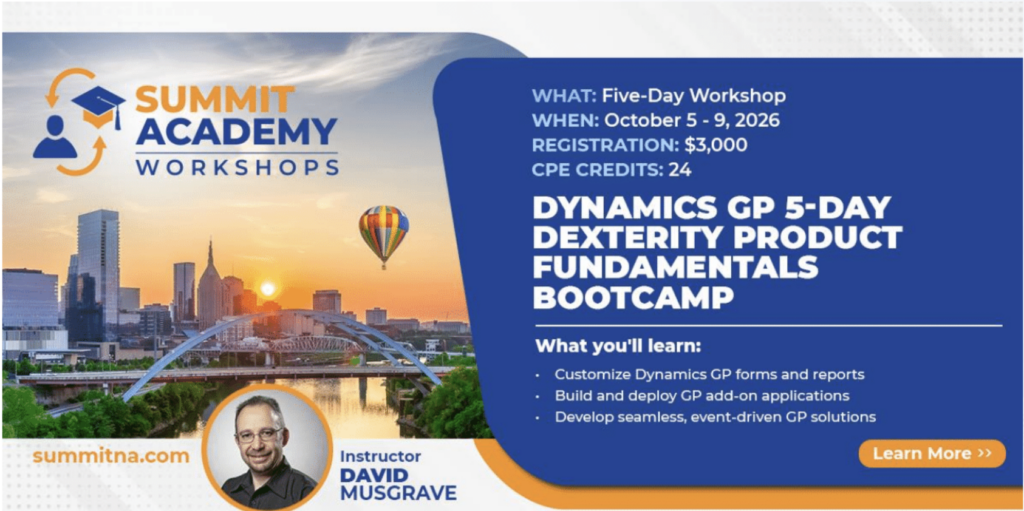
Five-day bootcamp · October 5–9 · 40 CPE credits · $3,000 · Instructor: David Musgrave
Some training you take to get a little better. This one you take to change what’s possible for you and your organization. “GP Dexterity Product Fundamentals” is an intensive five-day bootcamp that teaches the very development environment used to build the Microsoft Dynamics GP family of products — and it may be one of the last times this legendary training is offered.
Your instructor is David Musgrave, a Microsoft MVP, GPUG All-Star, and Summit Legend who has been developing with Dexterity since 1994 — longer than many GP users have been in the workforce. That depth matters. Over five progressive days, David takes attendees of all backgrounds from first principles to shipping a real, packaged customization. Prior development experience is helpful but genuinely not required; what you do need is solid familiarity with navigating and administering GP.
Here’s the arc of the week:
- Day 1 — Environment & foundations: Get oriented in the Dexterity development environment, understand its components and architecture, navigate the GP dictionary structure, and complete your first hands-on project.
- Day 2 — Data entry & forms: Build data-entry projects and windows from scratch, apply form-design principles that mirror native GP, and get your first taste of Dexterity scripting.
- Day 3 — Scripting, debugging & lookups: Level up your scripting, learn real debugging and troubleshooting strategies, and build lookup and transaction forms that integrate natively.
- Day 4 — Add-ons, triggers & integration: Develop add-on applications, implement object triggers, integrate with Utilities, and take a deep dive into form and report modification.
- Day 5 — Packaging & deployment: Package your dictionary, register a unique Product ID with Microsoft, and ship an end-to-end customization — closing with review and Q&A.
By the end, you’ll be able to build integrated, database-independent applications that look, feel, and behave like native Dynamics GP, modify existing GP forms and reports to meet business needs, and create and support your own customizations rather than depending on someone else for every change. For any organization planning to keep GP running well for years to come, that self-sufficiency is worth its weight in gold.
The bootcamp runs the week immediately before Community Summit, includes lunch daily, and carries a full 40 CPE credits. Seats are strictly limited — and given that this may be the final offering of this training, it’s not one to put off.
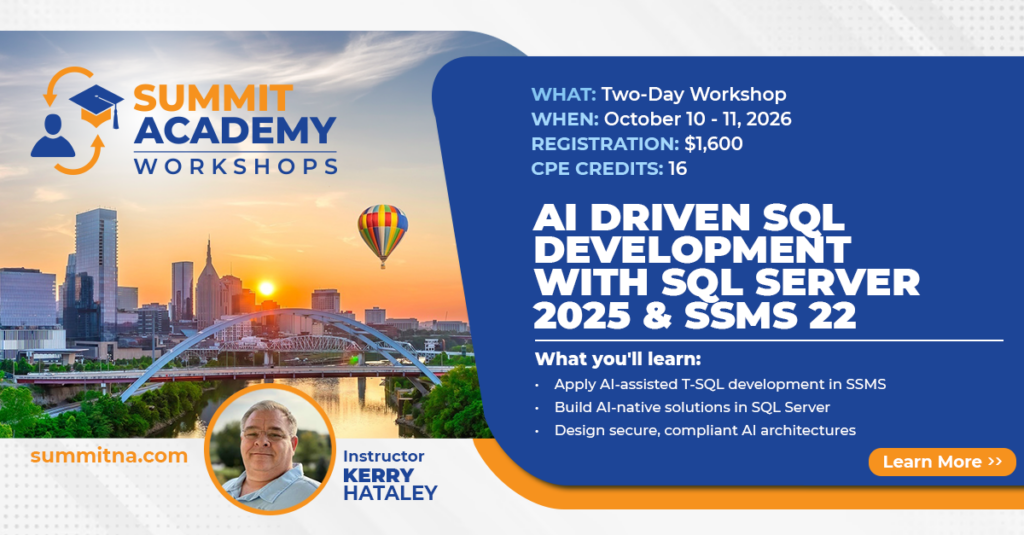
2. Academy: AI-Driven SQL Development with SQL Server 2025 & SSMS 22
Two-day workshop · October 10–11 · 16 CPE credits · Intermediate · Instructor: Kerry Hataley (Nanook Software)
If you only make room for one GP-focused class this year, the “AI-Driven SQL Development with SQL Server 2025 & SSMS 22” class is the one that meets the moment. Artificial intelligence is no longer a “someday” idea in the database world — it’s shipping in the tools you already use. SQL Server 2025 and SSMS 22 now embed AI directly into everyday SQL work. This two-day, hands-on session shows you exactly how to put it to work against your GP databases.
What makes this class special for the GP crowd is that it doesn’t teach AI in the abstract. Every demo, every exercise, and every optimization is worked against real Dynamics GP test-company data. You’re not learning generic SQL tricks — you’re learning how to write, tune, explain, and modernize the queries you actually run against GP faster and with far more confidence.
Day one lives inside the database engine itself. You’ll discover where AI actually lives in SQL Server 2025 and how to use it to write, tune, explain, and even predict queries. The session goes well beyond query help into genuinely next-generation territory: vector data types, DiskANN indexing, external AI models, and semantic search — the building blocks for advanced analytics and Retrieval-Augmented Generation (RAG) run directly on your GP data, without exporting anything or writing mountains of complex code. Imagine answering a business question by asking it in plain language and letting the engine analyze patterns, correct execution plans, and return the answer.
Day two shifts to Copilot and the AI features in SSMS 22, where SQL becomes a collaborative experience. You’ll learn to generate queries from plain-English prompts, instantly explain a complex GP query someone wrote years ago, safely refactor legacy GP SQL, detect performance issues with AI-driven insights, and build reusable query libraries. Whether you’re maintaining GP for the long haul or preparing for an eventual migration to Business Central, Copilot in SSMS becomes your always-on SQL co-developer.
Crucially for anyone running a financial system, the class also covers how to design secure, performant, and compliant AI architectures — solutions that respect Dynamics GP security boundaries, support auditing and governance, and scale across on-premises, cloud, or hybrid environments.
This is a class for DBAs, developers, and Dynamics consultants who want to stop treating SQL as a manual craft and start working smarter. You can register for a single day or the full two-day workshop, and you’ll bank 16 CPE credits along the way. In a year when everyone is talking about AI, this is your chance to actually use it — on the data that matters most to your organization.
3. Academy: Optimizing Your System with GP Power Tools
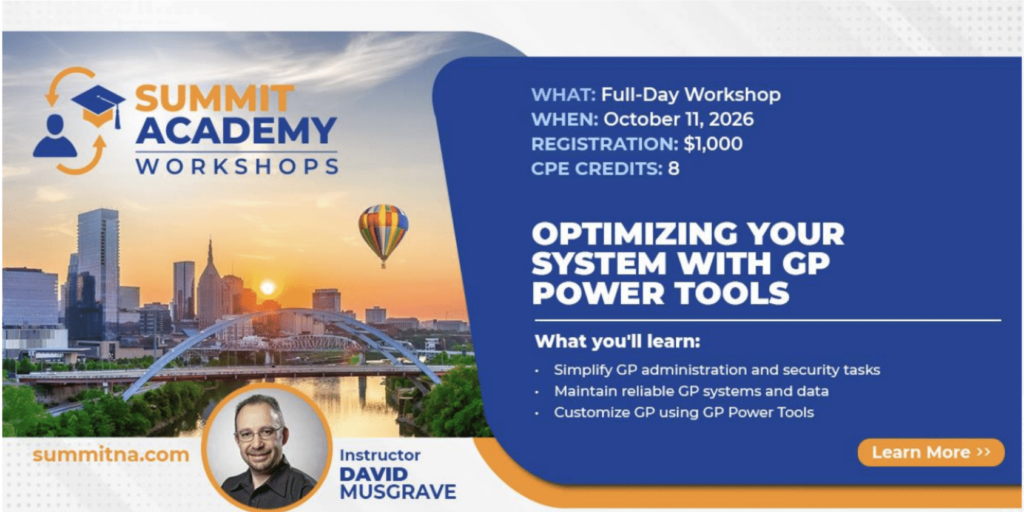
Full-day workshop · Sunday, October 11 · Instructor: David Musgrave
Ask a room of seasoned GP administrators what single add-on they can’t live without, and GP Power Tools comes up again and again. It’s the ultimate suite for supporting, administering, and customizing Microsoft Dynamics GP — and it delivers value whether you’re a user, a system admin, a consultant, a developer, or a DBA. This full-day Academy class, titled “Optimizing Your System with GP Power Tools,” is your chance to learn it directly from David Musgrave, the developer who built it.
The beauty of this workshop is how practical it is. GP Power Tools is deep, and most sites use only a fraction of what it can do. Over one focused day, David walks through every module so you leave understanding the full toolbox and, more importantly, how each piece solves real pain points you’re living with today.
The morning covers installation, the System Features module, and the Administrator Tools and Database Tools modules. This is the “keep my system healthy and secure” half of the day. You’ll learn to identify resources like windows, tables, and fields; resolve nagging application-security issues; set up deny-based security to control access and hide menus; capture screenshots and logs for troubleshooting; centrally control Dex.ini settings; and use quality-of-life touches like company color themes and window-position memory to prevent costly mistakes. You’ll also dig into Database Validation, the Note Fix Utility, and Database Space Recovery — exactly the kind of housekeeping that keeps your system in “tip-top” shape and helps you avoid nasty surprises during upgrades.
The afternoon turns to the Form Control Tools and Developer Tools modules — the “make GP do what I need” half of the day. Here you’ll experiment with creating no-code / low-code customizations across multiple GP windows, learn to use triggers and Advanced Trigger Mode to track down and fix issues, write scripts in a variety of languages, build user interfaces for those scripts with parameter lists, and even create custom Report Writer functions that pull data from any source.
This class is ideal for any customer or partner who wants to understand what GP Power Tools can do and how to get the most out of it. If you’ve ever thought about replacing aging VBA customizations with something more maintainable, this is your on-ramp — and it pairs naturally with the Dexterity class above. Lunch is included, NASBA CPE credits come with it, and you’ll want to swing by Booth 321 during the Expo to keep the conversation going.
Plan One Trip, Come Home Transformed
Here’s the thing about these three classes: they’re not competing for your attention; they’re complementing each other. Dexterity Fundamentals gives you the deepest possible control over building on the GP platform. The AI-Driven SQL Development class makes you dramatically more capable with your GP data. And GP Power Tools makes you the go-to person for keeping your system healthy, secure, and customized. Together, they cover the past, present, and future of GP expertise.
All of it happens in Nashville in the days leading up to Community Summit North America 2026, so you can bundle world-class training with the full Summit experience in a single trip — and stack up meaningful CPE credits while you’re at it. Seats in these hands-on classes are limited by design, so the sooner you register, the better.
Do yourself — and your GP system — a favor this year. Come early, dig in at Academy, and walk into the main Summit already a step ahead.
Ready to register? Visit the Academy at Summit page, filter by Dynamics GP, and grab your seat. If you’re staying for the main conference, the Winthrop Development Consultants code WinthropDev15 takes 15% off your Summit registration.
