
Calculated Columns Aren’t Dead: When to Use Them Instead of Formula Columns



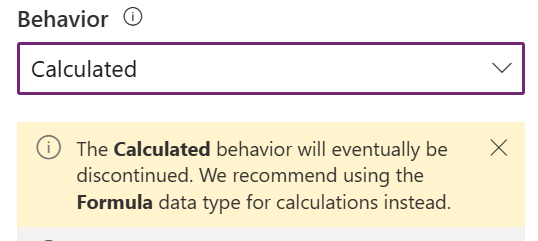
Formula columns have been an option in Dataverse for a few years now, and we have heard Microsoft repeatedly tell us they will eventually replace calculated columns. Does this mean calculated columns are dead? Not quite. There are a few scenarios where I would recommend calculated columns instead of using formula columns. Let’s look at them!
The Output Needs to Be a Currency Column
This is the biggest reason why you will need to use a calculated column. Formula columns can use currency fields in a formula by converting them with Decimal(), but a formula column itself still cannot have a currency data type.
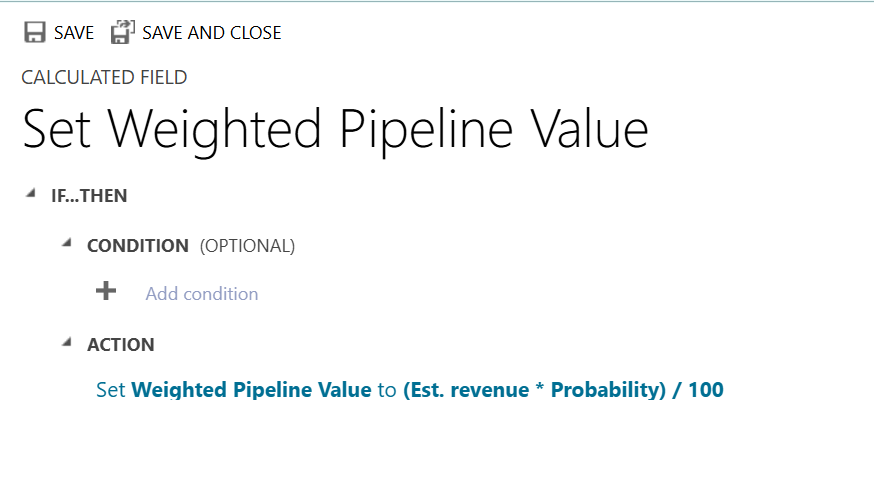
Let’s say we want to calculate a weighted pipeline value on an Opportunity.
Weighted Pipeline Value = Estimated Revenue × Probability / 100
If I need this new column to be a currency column in Dataverse, a calculated column is the better choice. This is especially important if the value will appear in views, reports, integrations or other places where I want Dataverse to treat it as money, not just a decimal number.
You Need Different Null Behavior
Here’s one I found by mistake and later verified with Microsoft documentation. Suppose you have:
- Field A = blank
- Field B = 2
- Field C = 3
A formula column will evaluate this as: blank + 2 + 3 = 5. Null is treated as a zero during the calculation.
A calculated column behaves differently: blank + 2 + 3 = blank.
Which one is correct? That depends entirely on the business requirement. If a missing value should mean “I don’t have enough information to calculate this yet,” you should use a calculated column.
Formula Columns Don’t Support a Field Type or Format You Need
Formula columns have come a long way, but there are still column types and formats they cannot use. (There’s a complete list of known issues here in Microsoft documentation.)
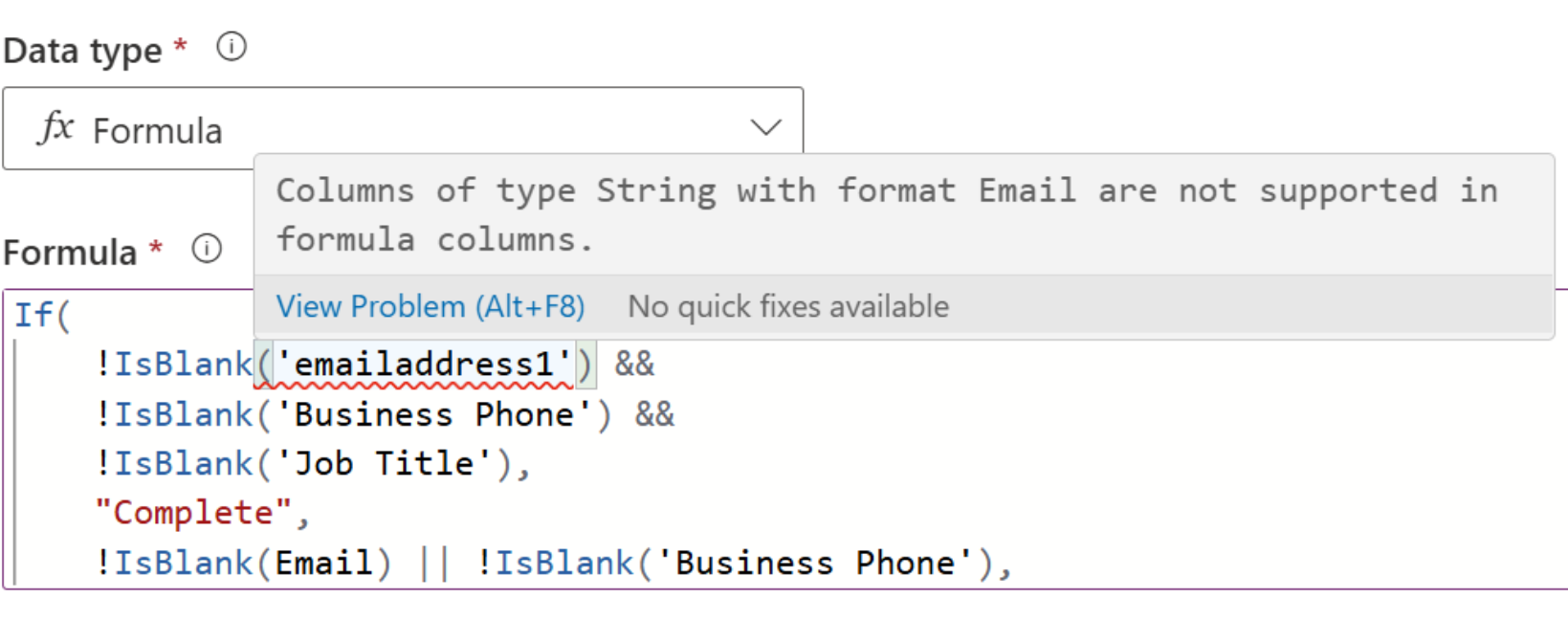
I ran into this recently with the standard Email column on a Contact. Email looks like a normal text field, but in Dataverse it is a string column with an email format. Formula columns do not currently support string columns formatted as email.
So, something that seemed simple, like “Mark the Contact Profile as Complete when Email, Business Phone and Job Title contain data” hit a limitation almost immediately since I was referencing email in the Power Fx formula.
This doesn’t mean a calculated column will solve every unsupported formula column scenario. You still need to verify that the fields and functions you need are available in the calculated column designer. But it’s a good reminder that when a formula column doesn’t support a field you need, you can still consult the calculated column option before you head to Power Automate or custom development as your solution.
Which Should I Use?
When you are building a new Dataverse column, my overall recommendation (and Microsoft’s as well) is to first evaluate if you can solve it cleanly with a formula column. If so, great! Use formula columns.
If not, look at the requirement before reaching for something more complicated. A calculated column may be the right choice when you need:
- A currency output
- The null behavior of calculated columns
- Functionality involving a column that formulas do not currently support
Formula columns may be the modern option, but calculated columns are still hanging around for a reason. Sometimes the old tool is still the right tool.
