
Beginner’s Guide to Power Automate for CRM Systems

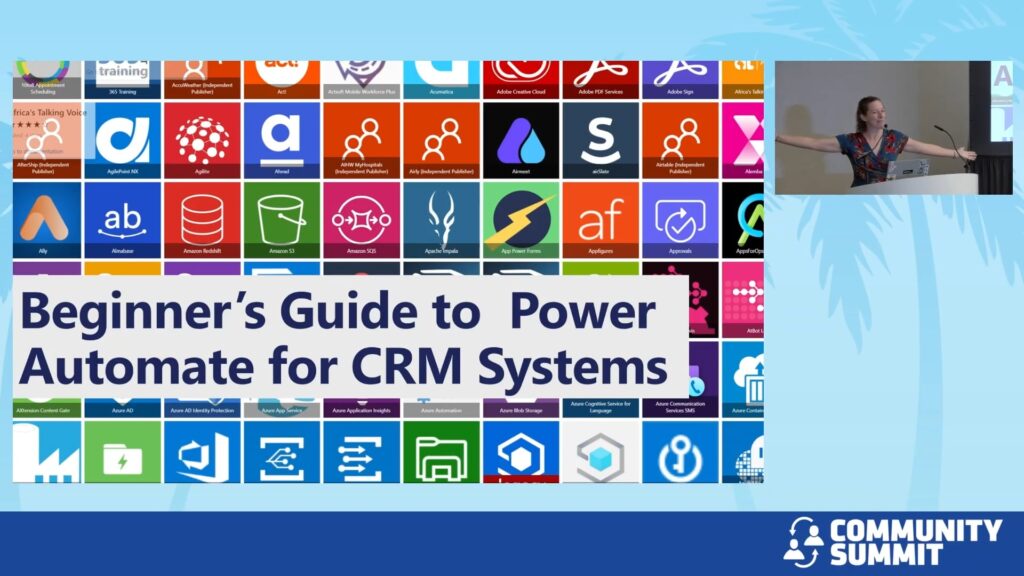
Session Overview: Embark on your journey into the world of automation with Power Automate in this introductory session. Designed for newcomers or those with minimal exposure to Power Automate, this session will provide a thorough grounding in the platform’s capabilities and its impactful use in CRM systems.
Session Details:
Introduction to Power Automate: Gain a clear understanding of what Power Automate is and why it’s a powerful tool for any organization. We’ll explore compelling use cases that demonstrate its effectiveness in real-world scenarios.
Exploring Flow Types: Delve into the different types of flows available—Automated Cloud Flows, Instant Cloud Flows, Scheduled Cloud Flows, Desktop Flows, and Business Process Flows. Learn which type of flow to use in various business situations to optimize outcomes.
Core Components: Understand the fundamentals of triggers, actions, and connectors with a special focus on the Dataverse connector, crucial for CRM applications.
Live Demonstrations: Participate in live demos where you’ll see simple yet functional flows being built from scratch. These demos are designed to enhance CRM systems, showing you firsthand how to implement automation solutions that streamline operations.
Who Should Attend: This session is perfect for those new to Power Automate or anyone looking to get a solid foundation in automating tasks within CRM systems. No prior experience with Power Automate is necessary.
Takeaways: Participants will leave with a comprehensive understanding of Power Automate’s basics, equipped with the skills to start creating their own automated workflows to enhance CRM system efficiency.
Learning Objectives:
- Understand Power Automate’s Core Capabilities
- Learn the Different Types of Flows and Their Applications
- Develop Skills in Using Triggers, Actions, and Connectors
Speakers: Heidi Neuhauser
Recorded at: Community Summit NA 2025
Type: Breakout Session
Ability Level: 101 – New To
Primary Product: Dynamics 365 CE (CRM)
Tracks: Administration; System Administration, Automation
Terms: All rights reserved by the speaker, Community Summit NA, and Dynamic Communities and cannot be reproduced or distributed without express written consent by the speaker and Dynamic Communities.
