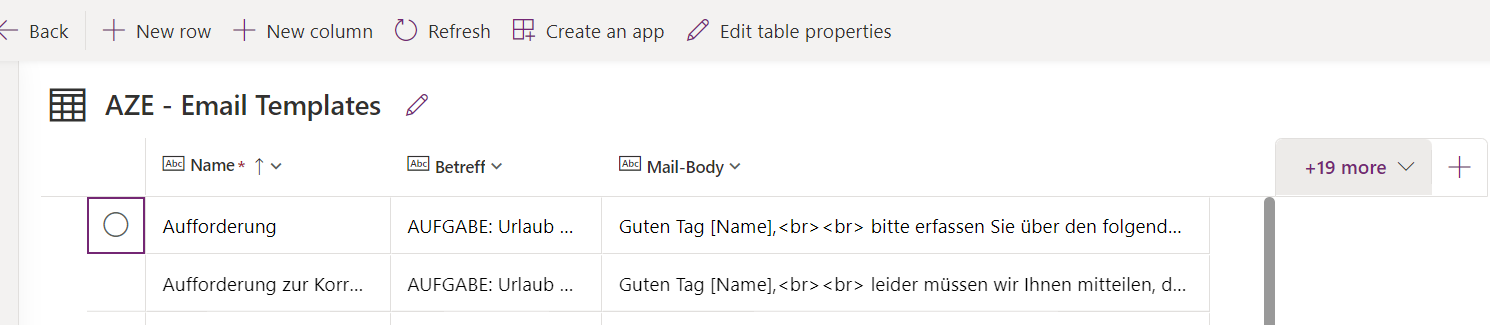
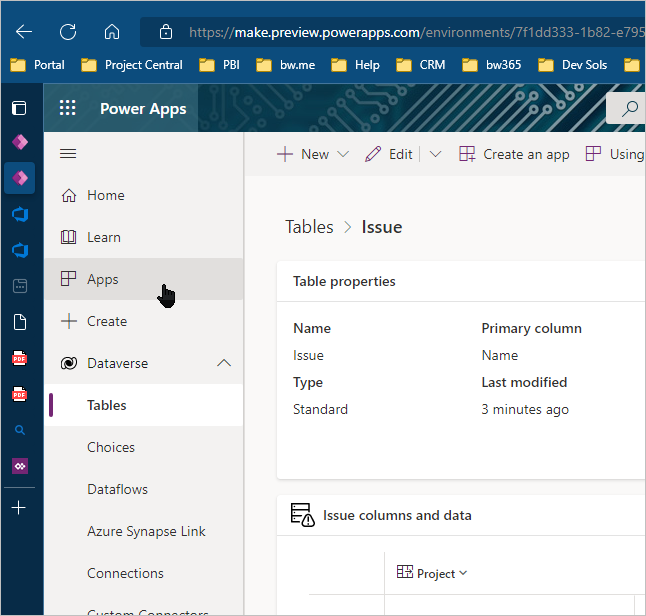
I really like the new layout of Dataverse and the option to enter data in datasheet view.Ā But where are the forms now? How can i add or edit an item with the form view? In my case i have a Multitext field and editing this in a single row field in datasheet view is very difficult
—————————— Fabian Heil ——————————
Guy Boswell
Member
July 13, 2022 at 4:19 AM
Build a Power App?Ā Would take all of five minutes to get something basic working using the templates and gives you potential for future developments and wider sharing
—————————— Guy Boswell Care for the Family Newport 02920810800 —————————— ——————————————-
Donal McCarthy
Member
July 13, 2022 at 4:31 AM
Hey – the row link being removed is an oddity of the Editable Grid – you have to double-click in one of the non editable places on the row to open the record.? There is also a little button to open the row – it is located at the far right of the grid. —————————— Donal McCarthy BrightWork 365 Solution Architect BrightWork Galway —————————— ——————————————-
Fabian Heil
Member
July 13, 2022 at 9:11 AM
Thank you for the tip, but unfortunately, i dont find it. I tried to double click everywhere in the rows š Can you mark it in the screenshot?
—————————— Fabian Heil —————————— ——————————————-
Donal McCarthy
Member
July 13, 2022 at 9:30 AM
Fabian it looks like you are not even in an app but are accessing your data from the Maker area. You need to access your data from an app to be able to open a row in a form.
Please note:
This action will also remove this member from your connections and send a report to the site admin.
Please allow a few minutes for this process to complete.
Report
You have already reported this .
Welcome to our new site!
Here you will find a wealth of information created for peopleĀ that are on a mission to redefine business models with cloud techinologies, AI, automation, low code / no code applications, data, security & more to compete in the Acceleration Economy!