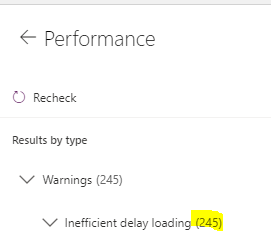
IĀ“m currently cleaning up my app a bit and found a lot of “performance warnings” with “inefficient delay loading”. I found out that this is mainly when refering to elements on another screen.
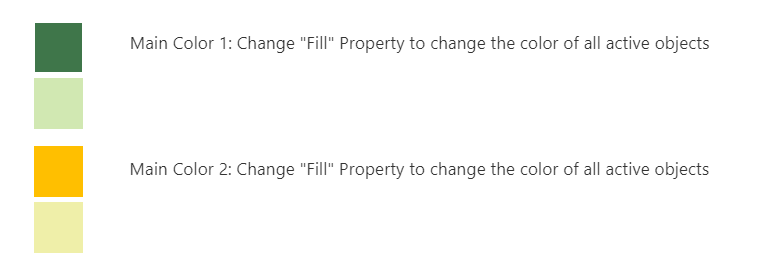
Ā I have this in many cases, because i have a settings screen with e.g. colors for status, so that i can change it centrally for all status shapes.
I learned this as a best practice in the early beginning. Should i change this? How big is the performance impact?
—————————— Fabian Heil IT Consultant SharePoint Applications ——————————
Alaa Bitar
Member
September 4, 2020 at 4:40 AM
Hi Fabian,
Indeed referencing element in different screen is a resource consumption because it forces the system to keep the hole screen in memory instead of just releasing the reserved memory space. It is better to use variables that gets updated whenever your controls are changed.
Please note:
This action will also remove this member from your connections and send a report to the site admin.
Please allow a few minutes for this process to complete.

Report
You have already reported this .
Welcome to our new site!
Here you will find a wealth of information created for peopleĀ that are on a mission to redefine business models with cloud techinologies, AI, automation, low code / no code applications, data, security & more to compete in the Acceleration Economy!