Clear Table Formatting

  • Clear Table Formatting

    Posted by DSC Communities on October 24, 2017 at 1:54 pm
    • Toni Kapp

      Member

      October 24, 2017 at 1:54 PM

      At the Summit this year one of the instructors mentioned you can clear the table formatting when exporting to excel. We are using NAV 2016 and I can not seem to find that function. Does anyone know if it is available on that version?

      Thanks!

      ——————————
      Toni Kapp
      IMG Citrus, Inc.
      Vero Beach FL
      ——————————

    • Ian Ray

      Member

      October 24, 2017 at 3:45 PM

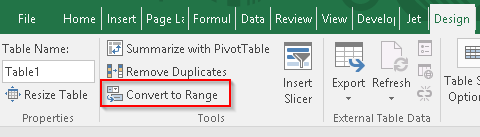
      Do you mean “Convert to Range” in Table – Design tab?


      After you do that, you can format the data however you like.

      ——————————
      Ian Ray
      Cypress Grove Chevre
      Arcata CA
      ——————————
      ——————————————-

    • Amanda Mayer

      Member

      October 24, 2017 at 3:51 PM

      Yes, that’s it! showed it in a couple of her sessions, I believe.

      You can also right click anywhere on the table, select Table Convert to Range. You can change the formatting of the cells (i.e. colors) and such as well, but that isn’t absolutely necessary.

      ?

      ——————————
      Amanda Mayer
      New View Strategies
      Milwaukee WI
      ——————————
      ——————————————-

    • Cynthia Priebe

      Member

      October 24, 2017 at 5:16 PM

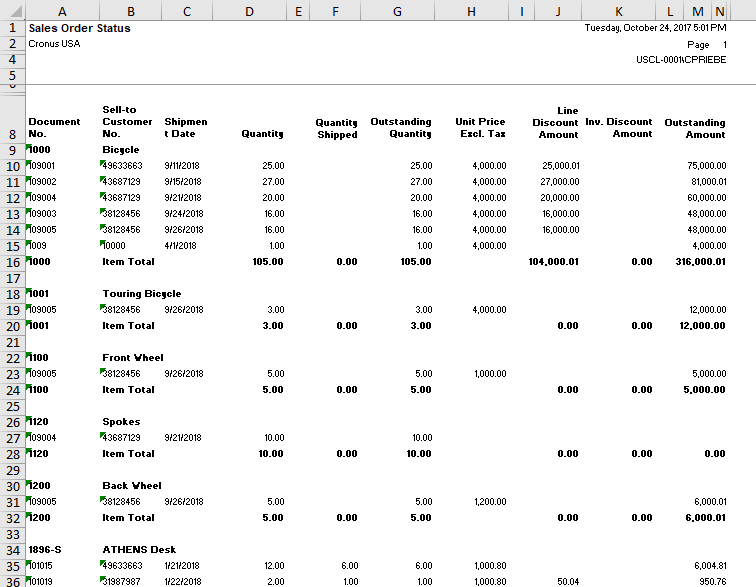
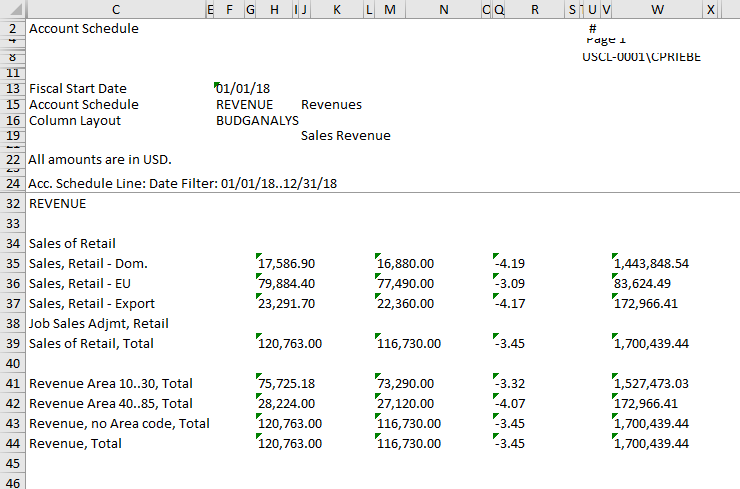
      I frequently clear formatting from NAV reports sent to Excel byĀ highlighting the entire worksheet, go to the Editing group box on the Home Ribbon in Excel, select Clear Formats from the Clear dropdown menu.Ā This is how it looks coming into Excel:
      SO Status
      Clear FormattingĀ also undoes any Merged & Centered values.
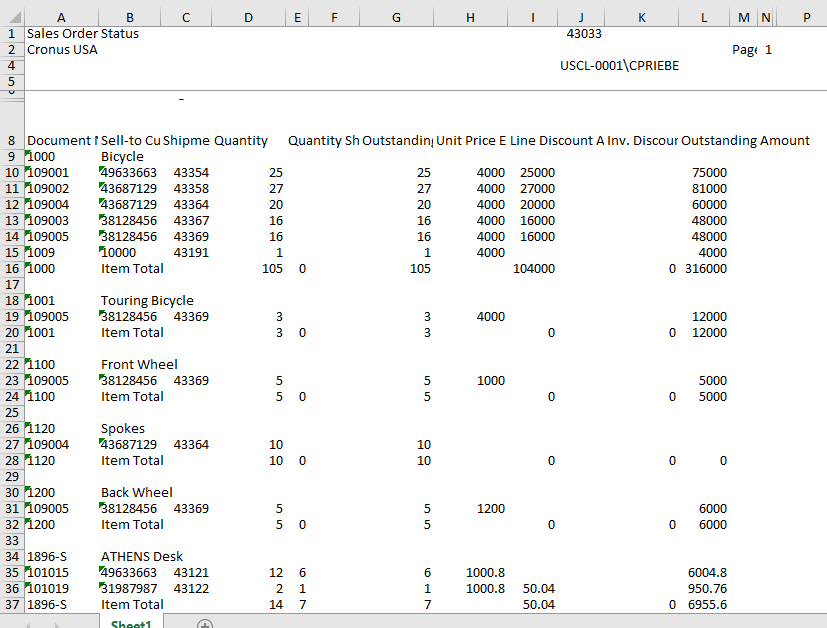
      The results are an unformatted Excel Worksheet.Ā  You end up with this result. This works on most NAV to Excel reports. You can now work with the data and reformat as desired.

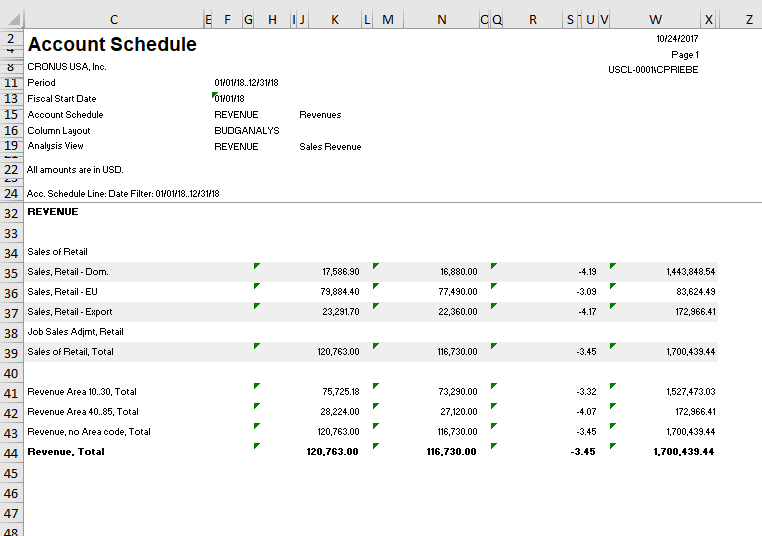
      Account Schedule in Excel before clear format.

      After after clear format.

      ——————————
      Cynthia Priebe, MCTS, DCP
      Senior Business Analyst and Project Manager
      Liberty Grove Software
      Oakbrook Terrace IL
      ——————————
      ——————————————-

    DSC Communities replied 8 years, 5 months ago 1 Member · 0 Replies
  • 0 Replies

Sorry, there were no replies found.

The discussion ‘Clear Table Formatting’ is closed to new replies.

Start of Discussion
0 of 0 replies June 2018
Now

Welcome to our new site!

Here you will find a wealth of information created for peopleĀ  that are on a mission to redefine business models with cloud techinologies, AI, automation, low code / no code applications, data, security & more to compete in the Acceleration Economy!