Mastering Business Central Workflows: Setup, Approvals, Notifications & Troubleshooting

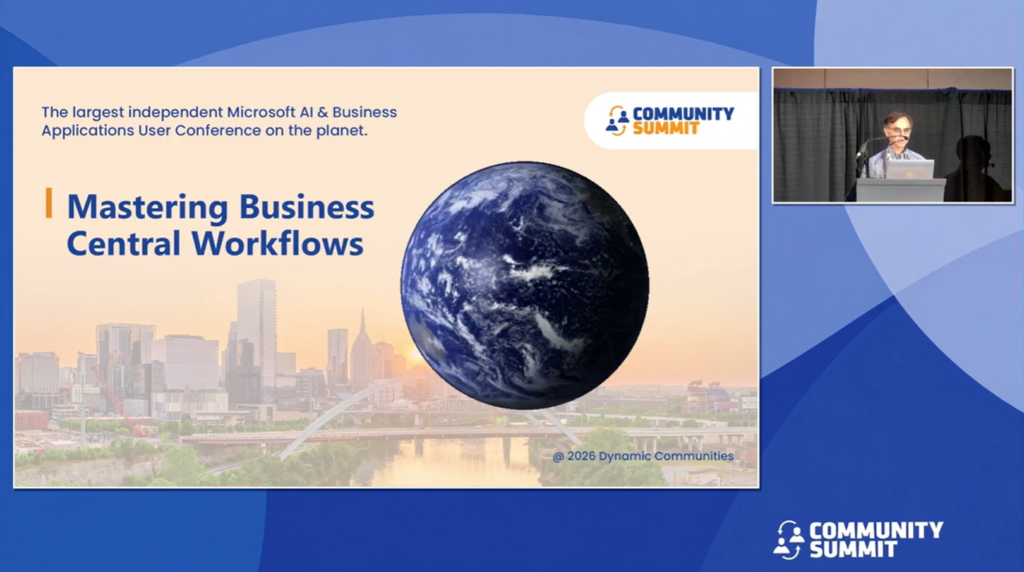
Session Overview: “Business Central workflows are powerful—but often under‑used—tools for automating approvals, enforcing business rules, and ensuring consistent processes. In this session, we’ll walk through everything you need to know to confidently build, manage, and troubleshoot workflows in Business Central. You’ll learn the core workflow components, how to create and configure new workflows, how approval chains and notifications really work, and how to delegate responsibilities when people are out of office. We’ll wrap up with common troubleshooting scenarios so you can diagnose issues quickly and keep your processes running smoothly. Whether you’re new to workflows or looking to expand your configuration skills, this session will give you practical guidance you can apply immediately.”
Learning Objectives:
- Understand the key components of Business Central workflows and how they operate to automate business processes.
- Configure a complete workflow from start to finish, including triggers, conditions, approvals, notifications, and delegation.
- Identify and troubleshoot common workflow issues to ensure approvals and automated actions run smoothly.
Speakers: Lewis Rosenberg
Recorded at: Community Summit NA 2026
Type: Education Session
Ability Level: 201 – Intermediate
Primary Product: Business Central/NAV
Tracks: Technical (Systems Admin), Automation
Terms: All rights reserved by the speaker, Community Summit NA, and Dynamic Communities and cannot be reproduced or distributed without express written consent by the speaker and Dynamic Communities.