Cracking the Code: Troubleshooting ‘Meaningless’ Errors in Dynamics GP Email and MFA Setup

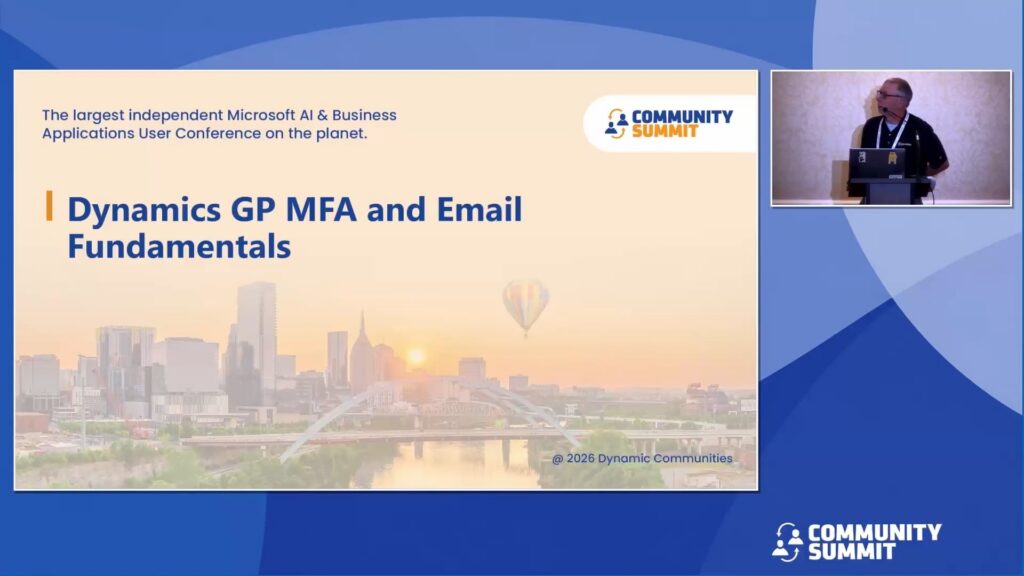
Session Overview: Multi‑Factor Authentication (MFA) in Dynamics GP is critical for security—but when it breaks, the errors are often encrypted, unclear, or completely unhelpful. Add email configuration, workflow notifications, and post‑upgrade changes into the mix, and troubleshooting can quickly become frustrating and time‑consuming.
In this session, we’ll break down how Dynamics GP MFA and email functionality actually work behind the scenes. You’ll learn how to properly configure MFA email delivery, decode and troubleshoot encrypted or “meaningless” error messages, and identify the most common causes of MFA and email failures—especially after upgrades. We’ll also cover workflow email configuration and validation to ensure notifications are reliable and actionable.
By the end of this session, you’ll have a practical, repeatable troubleshooting approach that turns vague errors into clear answers and restores confidence in your Dynamics GP MFA and email workflows.
Learning Objectives:
- How to Setup MFA for email in Dynamics GP.
- What to do when email does not work after an upgrade.
- Differences between workflow email and regular email.
Speakers: Larry Ressler
Recorded at: Community Summit NA 2026
Type: Education Session
Ability Level: 201 – Intermediate
Primary Product: Dynamics GP
Tracks: Technical (Systems Admin)
Terms: All rights reserved by the speaker, Community Summit NA, and Dynamic Communities and cannot be reproduced or distributed without express written consent by the speaker and Dynamic Communities.