
Practical Power Automate for Dynamics 365

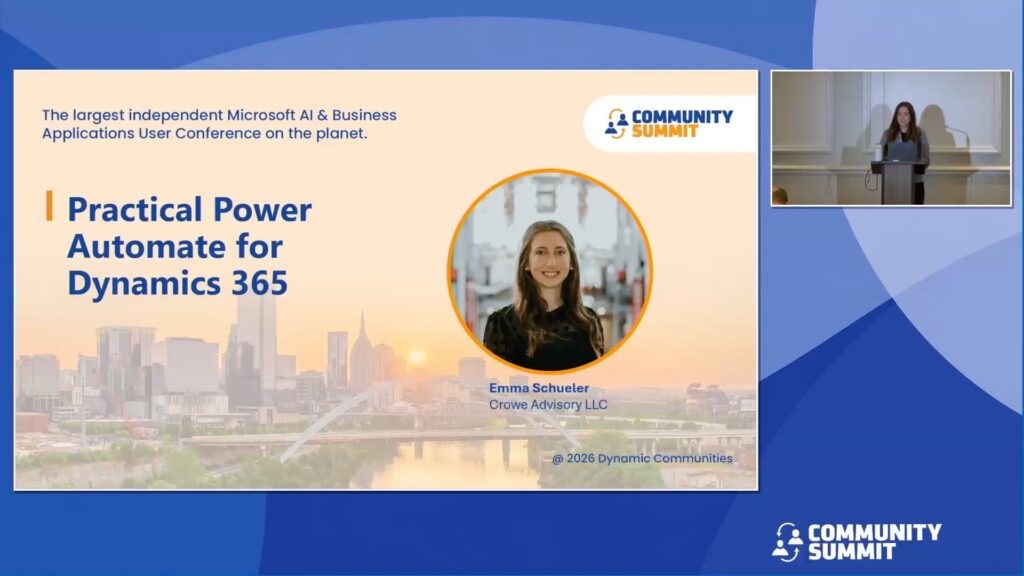
Session Overview: This session focuses on practical ways to use Power Automate within Dynamics 365 to streamline common business processes.
We’ll walk through real examples such as approvals, notifications, and simple integrations, along with guidance on when to use Power Automate and when not to. The session will also cover basic design considerations, error handling, and how to avoid common pitfalls.
Attendees will leave with a clearer understanding of how to build and maintain effective flows in a D365 environment.
Learning Objectives:
- Identify appropriate use cases for Power Automate within Dynamics 365
- Build flows using standard patterns for approvals, notifications, and integrations
- Apply basic best practices for reliability and maintainability
Speakers: Emma Schueler
Recorded at: Community Summit NA 2026
Type: Education Session
Ability Level: 101 – Beginner
Primary Product: Dynamics 365 CE (CRM)
Tracks: Artificial Intelligence (AI), Automation
Terms: All rights reserved by the speaker, Community Summit NA, and Dynamic Communities and cannot be reproduced or distributed without express written consent by the speaker and Dynamic Communities.
