
Align Faster, Rework Less: Team Collaboration with Copilot Notebooks

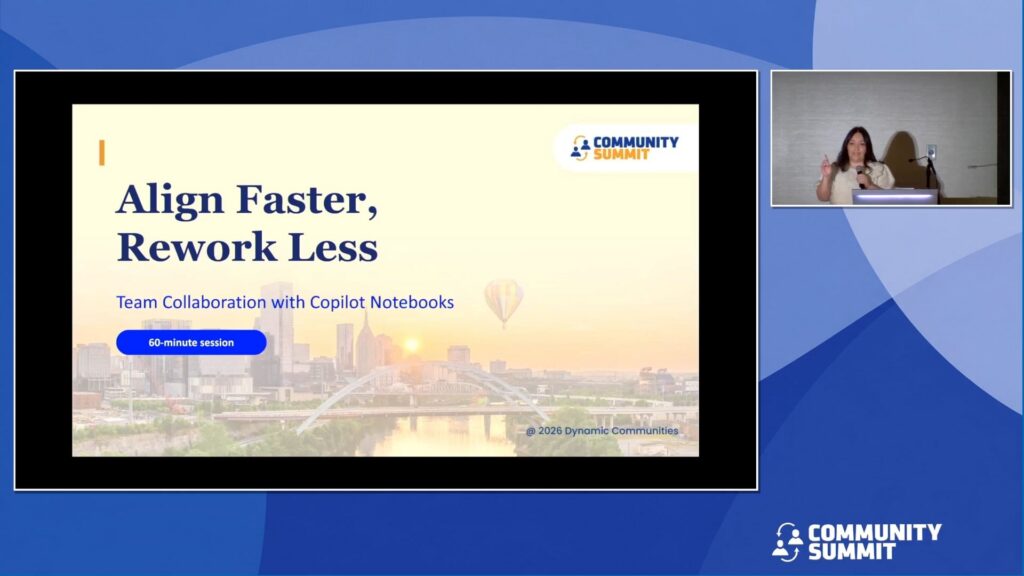
Session Overview: Teams lose time when project context is scattered across chats, files, and meeting notes. In this session, you’ll learn how to use Copilot Notebooks to create a shared, trusted workspace that brings the right content together—so your team aligns faster and reduces rework.
You’ll see a realistic project scenario (kickoff → decisions → next steps) and a simple method for curating notebook references so Copilot can generate reliable outputs grounded in what your team collected—summaries, action items, and stakeholder-ready drafts.
You’ll also learn why a well-structured notebook is the best “phase one” before building agents—because agents perform better when the underlying knowledge is organized and ready to use.
You’ll leave with a lightweight notebook structure, a “what to include” checklist, and reusable prompt patterns for team collaboration.
Learning Objectives:
- Understand how Copilot Notebooks create a shared, trusted workspace for team alignment.
- Apply a simple, repeatable method to build and maintain an effective project notebook.
- Use Copilot prompt patterns to generate reliable, stakeholder‑ready outputs—and know when to move to agents.
Speakers: April Dunnam, Delia Zuniga
Recorded at: Community Summit NA 2026
Type: Education Session
Ability Level: 101 – Beginner
Primary Product: Agents & Copilot
Tracks: Technical (Systems Admin), Operations, Training and User Adoption
Terms: All rights reserved by the speaker, Community Summit NA, and Dynamic Communities and cannot be reproduced or distributed without express written consent by the speaker and Dynamic Communities.
