25 Tips & Tricks for Maximizing the Power BI App Reports for Business Central

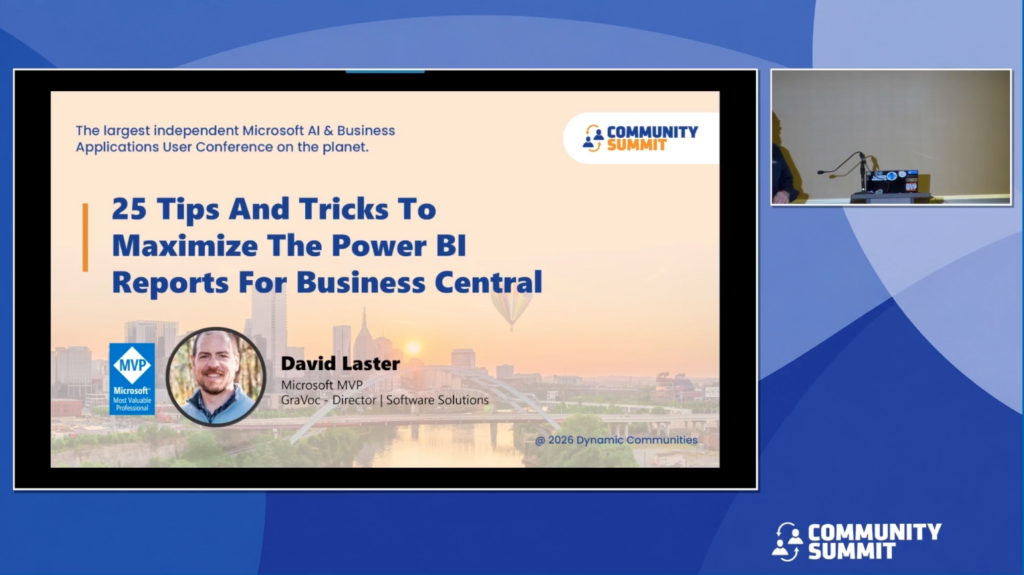
Session Overview: Deploying and setting up the BC Power BI Apps for reporting is only the first step in onboarding these new gems. Are you and your team ready do to this efficiently and get the most out of them? What should you expect after you make them available for general use?
There are literally thousands of clicks a user can make after deploying these powerful new reports, however which clicks are the most effective clicks for impacting the visuals in a meaningful way? for impacting decision making and overall usefulness?
This session demos and covers 25 practical, useful and hot tips and tricks in 60 minutes that I use for preparing BC, deploying the new reports, using them interactively, and training the implementation team and end users alike.
Learning Objectives:
- Understand how to navigate across all of the reports in the app and in BC
- See where all of the hidden gems are that drive functionality and easy analysis inside the reports
- Gain specific knowledge about how the entire suite of app reports would benefit your organization
Speakers: David Laster
Type: Education Session
Recorded at: Community Summit NA 2026
Ability Level: 101 – Beginner
Primary Product: Business Central/NAV
Tracks: Technical (Systems Admin), Business Intelligence (BI) & Reporting, Training and User Adoption
Terms: All rights reserved by the speaker, Community Summit NA, and Dynamic Communities and cannot be reproduced or distributed without express written consent by the speaker and Dynamic Communities.