


Dynamics Communities
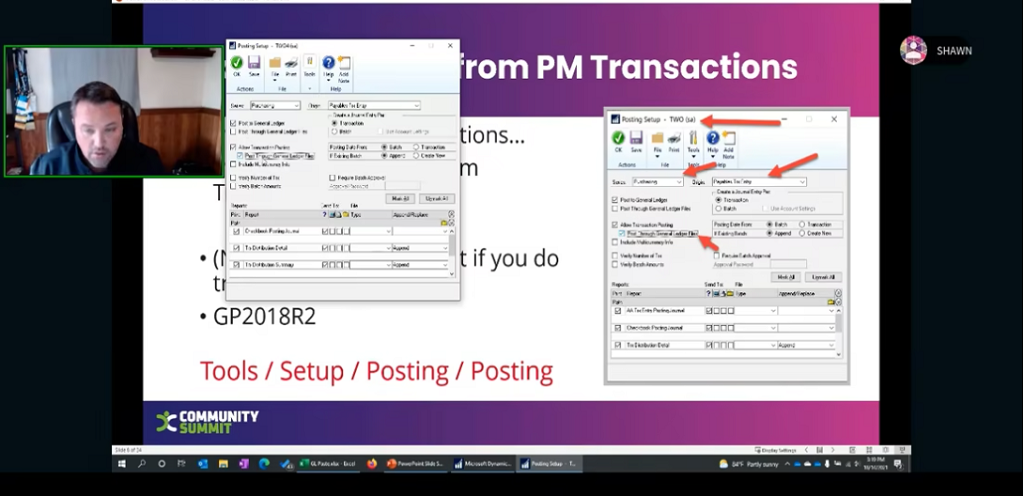
GP Life Hacks: Save time, money and sanity with these tips and tricks for GP
WE’RE BACK BABY!! Now let’s have some fun AND learn a few things too! GP Life Hacks is a fast and fun session to show…

Getting Started with GP Inventory
Do you need to start tracking inventory and just aren’t sure where to start? Join this session to discuss the setup of inventory along with…

Getting Started with Fixed Assets – Dynamics GP
Are you paying too much to have someone else depreciate your fixed assets or are you buried in Excel with Fixed Asset data? If yes,…

Field Service In GP – Out of the Box
This session focuses on how to utilize Field Service in GP, the various modules contained in FS, including Returns Management along with some discussion around…
Dynamics GP Housecleaning – Let’s Get the Junk Out of Your Trunk
Join this session to learn more about reconciles, check links, ISVs, your dynamics.set file, and much more!
Data Mining in Dynamics GP: For Beginners to Experts!
How do you get the data you want out of GP? We will help you understand how data is organized and linked in GP; and…
As a 21st Century GP User, Should I Stay or Should I Go (to BC or Elsewhere)?
This interactive session features a panel of Dynamics GP experts who share the most popular topics faced by GP users considering whether to maintain their…

Extreme Dynamics GP Macros
In this session, learn about macros and how they can simplify tasks in GP. There will be a brief introduction to GP macros before jumping…
Dynamics GP Year End Essentials
In this session, we discuss best practices for the year-end close, module by module. We also cover useful reports for verifying your year-end data. Modules…
A Year in the Life of a GP System Admin
This session is designed to help the new GP User, System Admin, or IT staff better understand, manage and support their Dynamics GP environment. Maintaining…

Dynamics GP Can Do That! Tips, Tricks and Under Utilized Features
Microsoft Dynamics GP is a mature and robust accounting software; and as such it has many hidden features that a lot of users are not…

GP Navigation 101
When it comes to GP – no one knows it all at this point. This session calls out several tips and tricks including shortcuts designed…

Dynamics 365 Business Central – For the Dynamics GP Power User
This presentation seeks to focus on the unique challenges of presenting the Dynamics 365 Business Central solution to the Dynamics GP Power user. With a…
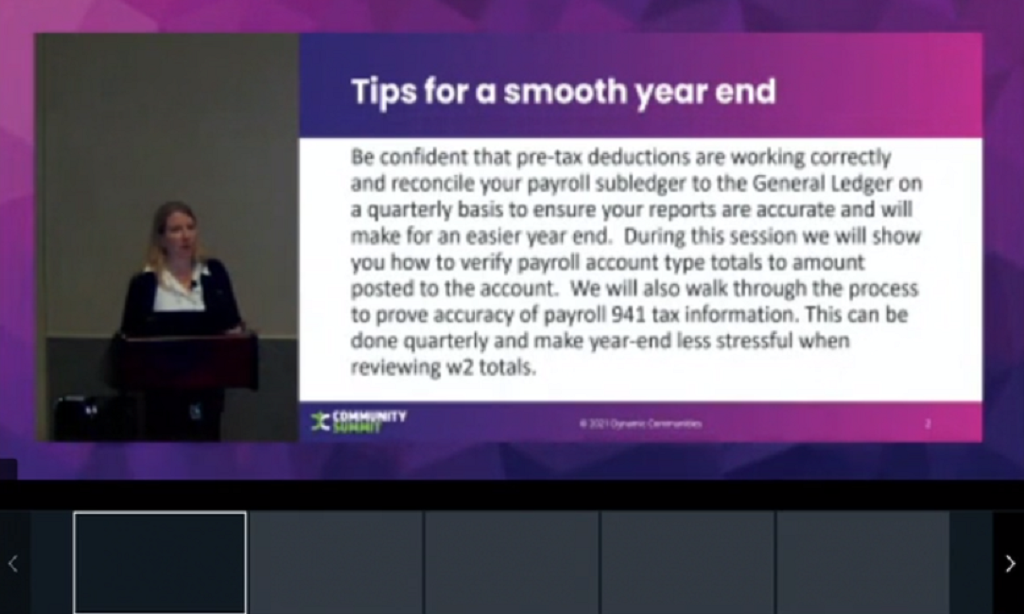
Dynamics GP Payroll: Tips for a Smooth Year-End
Be confident that pre-tax deductions are working correctly and reconcile your payroll sub-ledger to the General Ledger on a quarterly basis to ensure your reports…

Dynamics GP HR/Payroll: Other Very Useful Functions and Features
The session is for those users that are already running payroll and want to learn more about how to use the software. We review many…
MULTI-Conversation: MULTI Currency and MULTI Company in Business Central
This session involves an overview of Multi-Currency and Multi-Company functionality in Dynamics Business Central. Learn about currency exchange rates, the chart of accounts, how to…
Let’s Assemble! How to Use Manufacturing, Assembly, and Jobs in Business Central
In this fun session, we compare and contrast the features of the standard Assembly, Manufacturing, and Jobs modules within Business Central. There is a time and…
Integration Tips for Dynamics 365 BC
Go beyond the default connector in Dynamics 365 Business Central and find out what fully-featured integrations to and from Dynamics 365 Customer Engagement look like.…

New to NAV? Let’s Learn Some Basics
Trying to train a new team that has never seen Microsoft Dynamics NAV, appeared to be a challenge but with the aid of Teams meetings,…
NAV to Business Central: Lessons Learned From the Battlefield
In this session, we discuss lessons learned from migrating clients from Dynamics NAV to Dynamics 365 Business Central. How did we prepare clients for this…
My Experience of Upgrading: The NAV 2009 to Business Central Story
If you are thinking about upgrading from an older version of NAV to the latest version of business central, my story may help you. From…
Manufacturing 201 in Business Central
This 201 session covers more advanced production order processing options, flushing methods, sub-contracting, and more.
Manufacturing 101 in Business Central
Business Central can be utilized as a powerful tool for all aspects of manufacturing. However, it can be difficult to understand when first getting started.…
An Appetite for Cloud: Expert Panel Explores Top Migration Strategies
Virtual Tables (Entities) Ride Again
Learn how Virtual Tables allow you to surface remote data within the Power Apps user interface. Takeaways: 1- Introduction to Virtual Tables, their capabilities…
Swimming in Azure Data Lake with Dynamics 365 CE
Microsoft recently introduced the Export to Azure Data Lake functionality (now called Azure Synapse Link) that greatly simplifies data replication from Dynamics 365 to external…
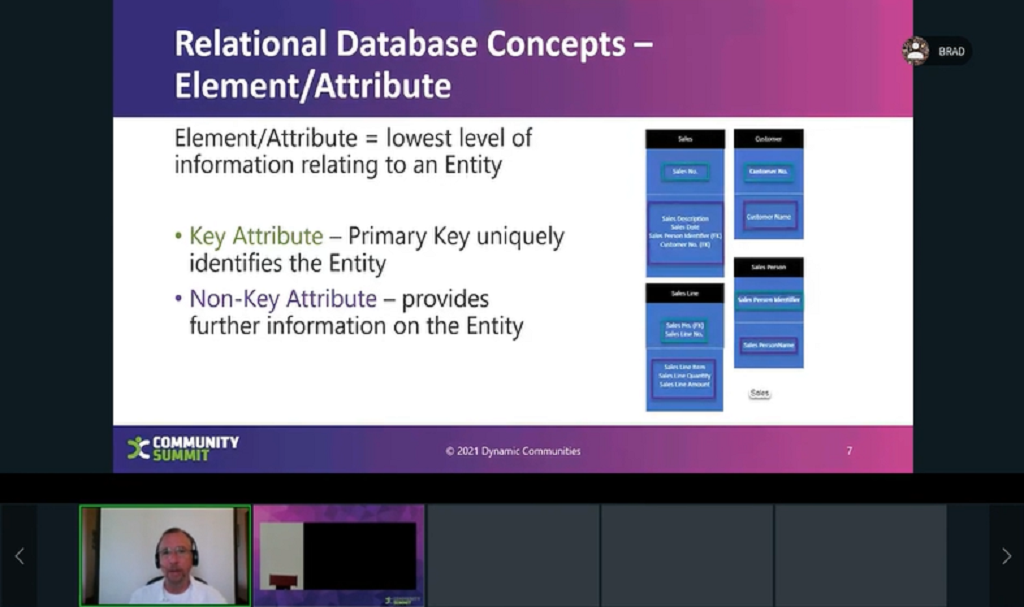
How to Architect Your Data for Powerful Business Intelligence
Are you paying too much to have someone else depreciate your fixed assets or are you buried in Excel with Fixed Asset data? If you…
What’s the differences between Dataverse Database & Dataverse for Teams and how can I use them?
Learn the difference between the free, included with Microsoft 365, Power Apps for Teams and the Premium Power Apps leveraging a Dataverse Database. We’ll cover…
Zero to Hero in Power Virtual Agents in 60 Minutes
Bots are Hot. Power Virtual Agents a SaaS offering from Microsoft empowers teams to easily create powerful bots using a guided, no-code graphical interface without…
An Introduction to Power Automate for Dynamics Users
Workers in every field have an endless array of mindless, repetitive tasks that must be performed on a regular basis: processing files, resizing images, importing…
