


Dynamics GP
Public Group
Active 4 weeks ago
Dynamics GP
Organizer:
- JOSE Organized by
-
-

Management Reporter cannot export to Excel from Web Viewer
-
Management Reporter cannot export to Excel from Web Viewer
Posted by tdestefano@phigenics.com on November 20, 2018 at 11:09 am-
Good morning GPUG!
We are having an issue where we cannot seem to export to Excel from Web Viewer. We can do it from Report Viewer though. The message I’m seeing when the file tries to open in Excel are:
Sorry, we couldn’t open ‘http//XXXXXXXXX’.
Then I get
Microsoft Excel cannot access the file http://xxxxxxx for several possible reasons:
-The file name or path does not exist
-The file is being used by another program
-The workbook you are trying to save has the same name as a currently open workbookHas anyone run into this before?
Thanks!
——————————
Tammy DeStefano
Phigenics, LLC
—————————— -

Mark LeRette
MemberNovember 20, 2018 at 11:53 AM
What version browser are you using?——————————
Mark LeRette
Application System Analyst II
Muscatine Power and Water
Muscatine IA
——————————
——————————————- -
Beat Bucher
MemberNovember 21, 2018 at 10:21 AM
Hi ?Tamara,
What is your MR 2012 build version (cu) ?
And yes, which browser do you try to use ?
Do you try to export directly from the Web MR Viewer or is the link provided thru an e-mail ?——————————
Beat Bucher
Business Analyst, Dynamics GP SME
Montreal QC/Canada
@GP_Beat http://www.gp-geek.com
Montreal QC GPUG Chapter Leader
MBS MVP (2015-2018)
——————————
——————————————- -
David Helms
MemberNovember 21, 2018 at 12:07 PM
?Do the reports include financial and transaction details? I’ve got the same issue, but I CAN export from web viewer if I don’t include the transaction details.——————————
David Helms
Vice President of Accounting
Morningstar Properties, LLC
Matthews NC
——————————
——————————————- -
Thanks for the feedback all. To provide more info. MR is version is 2.12.16003.25. We use IE and it is version 11.0.0600.19180.
This issue started after we upgraded to GP2018R2. The IE version was the same as it was when it was working with GP2015.
I tried build a simple report and it will not export to excel either.
When I select Open from the Open/Save/Save As window, I get these two messages:

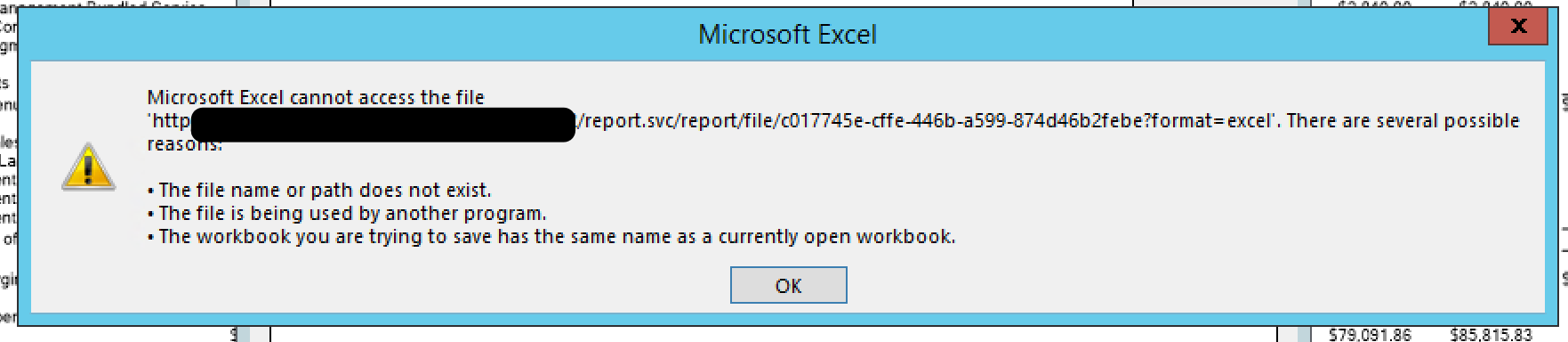
When I select Save or Save As from the Open/Save/Save As window, I get these messages: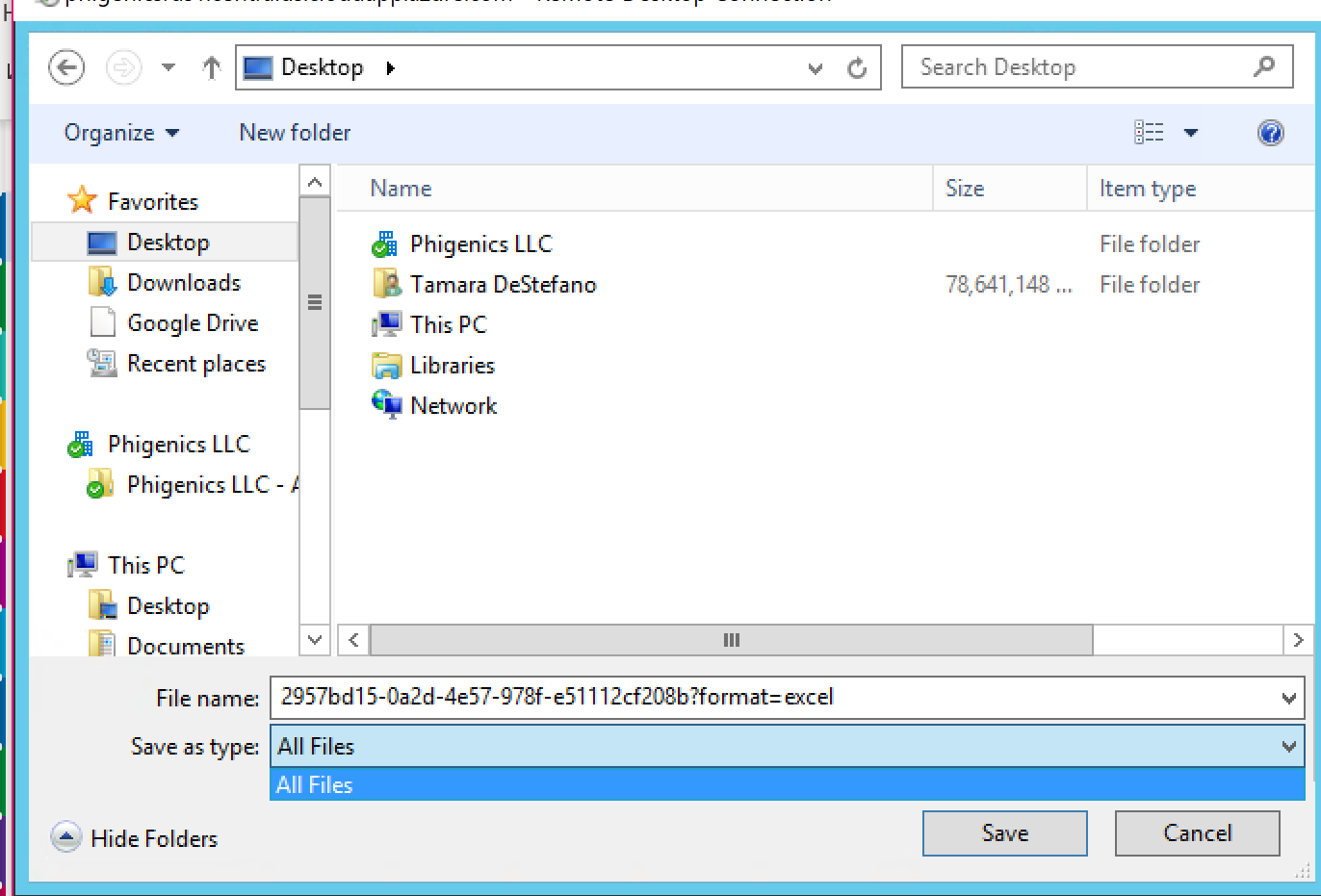
If forces me to change the file name. In this I changed it to “test”. Then I get:
We run on a terminal server and all users are having the issue. It seems like there is a setup issue, but I can’t seem to figure out what is missing.
Any help would be appreciated.
Thank you!
Tammy——————————
Tamara DeStefano
Phigenics, LLC
——————————
——————————————- -
?Hello, a few thoughts and ideas for troubleshooting and fixing:
- Be on latest MR 2012 CU16 release, attached summary of bug fixe and new features (search on export and many fixes over past few CUs; also make sure Office and Windows version is latest/greatest
- Create a new simple report to export to see if happens to all, and new, reports
- Make sure all instances of Excel are closed before exporting
- Try from different computer and user; check with IT in case any firewall or other roadblocks
- There was a past case where this KB helped:
Happy Thanksgiving GPUGers!
——————————
Derek Krebs
Sr Consultant
MSX Group
derek.krebs@msxgroup.com
——————————
——————————————-
tdestefano@phigenics.com replied 7 years, 11 months ago 1 Member · 0 Replies -
-
0 Replies
Sorry, there were no replies found.
The discussion ‘Management Reporter cannot export to Excel from Web Viewer’ is closed to new replies.
