Issues setting up AR aging buckets

  • Issues setting up AR aging buckets
    Posted by DSC Communities on October 2, 2019 at 12:25 pm
    • Kalen Grasis

      Member

      October 2, 2019 at 12:25 PM

      Currently in GP, our Summary Historical Aged Trial Balance only shows four aging columns (current, 31-60, 61-90, 91-120). We would like a fifth column to show 121 + days.Ā 

      I tried following this guide:Ā 
      https://support.microsoft.com/en-us/help/857284/how-to-add-aging-buckets-to-the-rm-summary-historical-aged-trial-balan

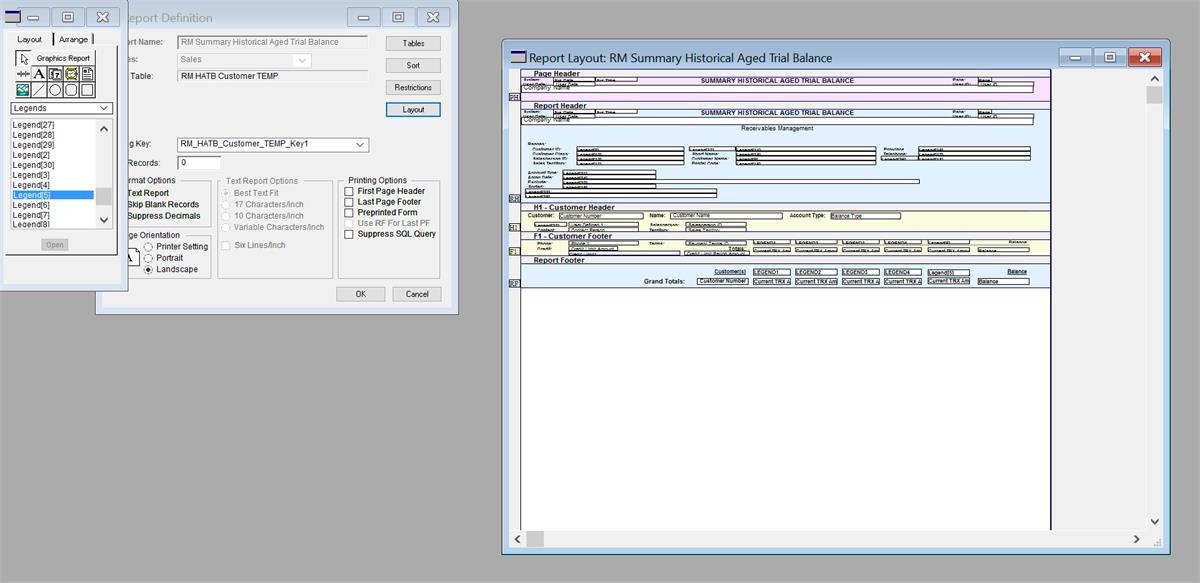
      This is how I’ve updated the layout. Sorry for the tiny format, if anyone has any tips for how to make the Report Layout screen bigger that would be helpful. It was quite hard to insert all the extra microscopic boxes.Ā 

      Report Layout
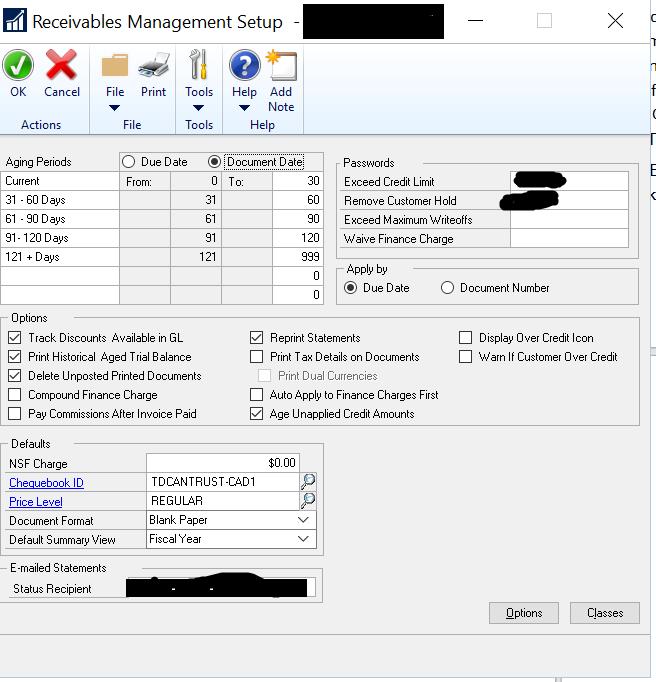
      I set up the additional aging period through the Receivables Management Setup window

      Report Layout
      I then ran A Routine Aging, as suggested by Kimberly in this post:Ā https://www.gpug.com/communities/community-home/digestviewer/viewthread?MessageKey=990239a3-4afe-4e9d-bd14-569bfebd03fe&CommunityKey=4754a624-39c5-4458-8105-02b65a7e929e&tab=digestviewer#bm990239a3-4afe-4e9d-bd14-569bfebd03fe

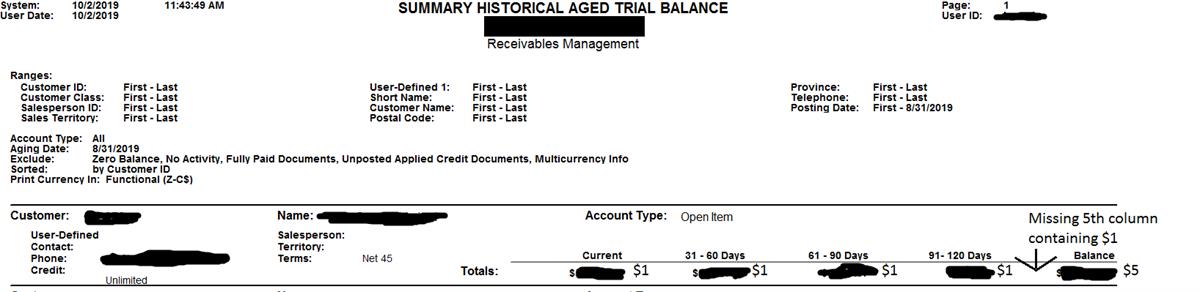
      However when I run my Summary Historical Aged Trial Balance, I still only see 4 columns, the 121+ day is missing and because you can’t see the 5th column the balance doesn’t column match the total when you add up the displayed 4 columns. This is because the 5th column is “missing” but is still being included in the Balance total.Ā 

      Aged AR Summary

      Any suggestions on how to solve this issue would be greatly appreciated.Ā 

      ——————————
      Kalen Grasis
      Milman Industries
      Sudbury ON
      ——————————

    • Ryan Galang

      Member

      October 2, 2019 at 1:04 PM

      Hi Kalen,

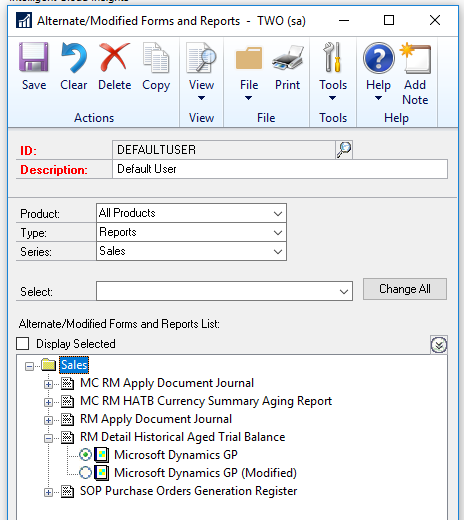
      After having done the report modification, were you able to grant access to the modified report (i.e. mark the ‘Modified’ version)?
      I’m thinking that you might still be printing the canned version…

      ——————————
      Ryan Galang
      BTP Technologies LLC
      CHANTILLY VA
      ——————————
      ——————————————-

    • Kalen Grasis

      Member

      October 3, 2019 at 11:33 AM

      Ryan,Ā 

      Thank you so much for that info. That solved our problem. All our AR aged summaries now have the 5th column shown.

      ——————————
      Kalen Grasis
      Milman Industries
      Sudbury ON
      ——————————
      ——————————————-

    DSC Communities replied 6 years, 5 months ago 1 Member · 0 Replies
  • 0 Replies

Sorry, there were no replies found.

The discussion ‘Issues setting up AR aging buckets’ is closed to new replies.

Start of Discussion
0 of 0 replies June 2018
Now

Welcome to our new site!

Here you will find a wealth of information created for peopleĀ  that are on a mission to redefine business models with cloud techinologies, AI, automation, low code / no code applications, data, security & more to compete in the Acceleration Economy!