


Dynamics GP
Public Group
Active 4 weeks ago
Dynamics GP
Organizer:
- JOSE Organized by
-
-

GP “unhandled script exception” “long integer our of range” at login.
-
GP “unhandled script exception” “long integer our of range” at login.
Posted by Heidi-Farnham on October 21, 2021 at 3:51 pm-
I have one user who is getting the following error when they log into GP. After they close the error, they can work without issue.
Unhandled script exception:
Long integer our of range. Invalid results.Exception_Class_Scritp_Out_Of_Range
Script_Cmd_SetAnyone have any suggestions as to how to resolve this?
Thanks,
Heidi——————————
Heidi Farnham
Dungarvin
Mendota Heights MN
—————————— -

Beat Bucher
MemberOctober 21, 2021 at 8:19 PM
is that happening in all the companies or does it happen before they even have a chance to select a company ?
Can another user on that same GP client login without any error message ? what about ‘sa’ ?
This could have multiple root causes, but security needs to be ruled out first..——————————
Beat Bucher
Business Analyst, Dynamics GP SME
Montreal QC/Canada
@GP_Beat http://www.gp-geek.com
Montreal QC GPUG Chapter Leader
MBS MVP (2015-2018)
——————————
——————————————- -
This could be a 3rd party product or data causing an issue.
Please note that click OK and continuing still means that the script with the error never completed and whatever it was going to do after the error has not happened.
If you have GP Power Tools we could capture a log on startup that will help identify the script with the error and then we can identify the product(s) with that script name.
Otherwise you might need to test by removing products from the Dynamics.set launch file (after making a backup copy) until the culprit is identified.
Regards
David
——————————
David Musgrave MVP, GPUG All-StarManaging Director
Winthrop Development ConsultantsPerth, Western Australia
http://www.winthropdc.com
——————————
——————————————- -
Additional information:
This is happening in one of many companies.
It is happening for one user only.
I have copied permissions to a test user and the issue does not happen for the test user.
All users connect to GP via remote desktop – it is happening on multiple remote desktops for this user.It happened when the company opens.
There are several Collection Management pop ups that open immediately and the error message comes up on top of them.
The CM Task list is blank until the error message is closed. Once the message is closed, the CM Task List fills in.Disabled Collections Management and error went away.
Heidi
——————————
Heidi Farnham
Dungarvin
Mendota Heights MN
——————————
——————————————- -
You need to follow up with Developer, which is Professional Advantage.
Regards
David
——————————
David Musgrave MVP, GPUG All-StarManaging Director
Winthrop Development ConsultantsPerth, Western Australia
http://www.winthropdc.com
——————————
——————————————- -
Beat Bucher
MemberOctober 25, 2021 at 8:40 AM
Good luck with a support call at ProfAd.. I have another client that run into an issue with CM and they were told that it might take days or weeks before support gets back to them as they are overloaded with support calls..
Basically if the the new user profile that was copied from the other user is working, I’d not bother and just create a new user.
Use PSTL to copy over other important settings like shortcuts or else. GP is capable of copying pretty much everything from one user to a new profile.——————————
Beat Bucher
Business Analyst, Dynamics GP SME
Montreal QC/Canada
@GP_Beat http://www.gp-geek.com
Montreal QC GPUG Chapter Leader
MBS MVP (2015-2018)
——————————
——————————————- -
Beat and Davind,
Thank you for your responses.
I have narrowed the issue down to the CM Environment Settings. If the “Check for collection plans that are due on login” is checked, the error appears.
I asked the user and they do not use collection plans.
Is this something we need to be concerned about, or are we okay with just unchecking the box and continuing to work?
Heidi
——————————
Heidi Farnham
Dungarvin
Mendota Heights MN
——————————
——————————————- -
Beat Bucher
MemberOctober 25, 2021 at 11:16 AM
Heidi,
That really depends on how you work with the CM product in GP..
If you open the CM user guide, chapter 7 will tell you more about the Collection Plans: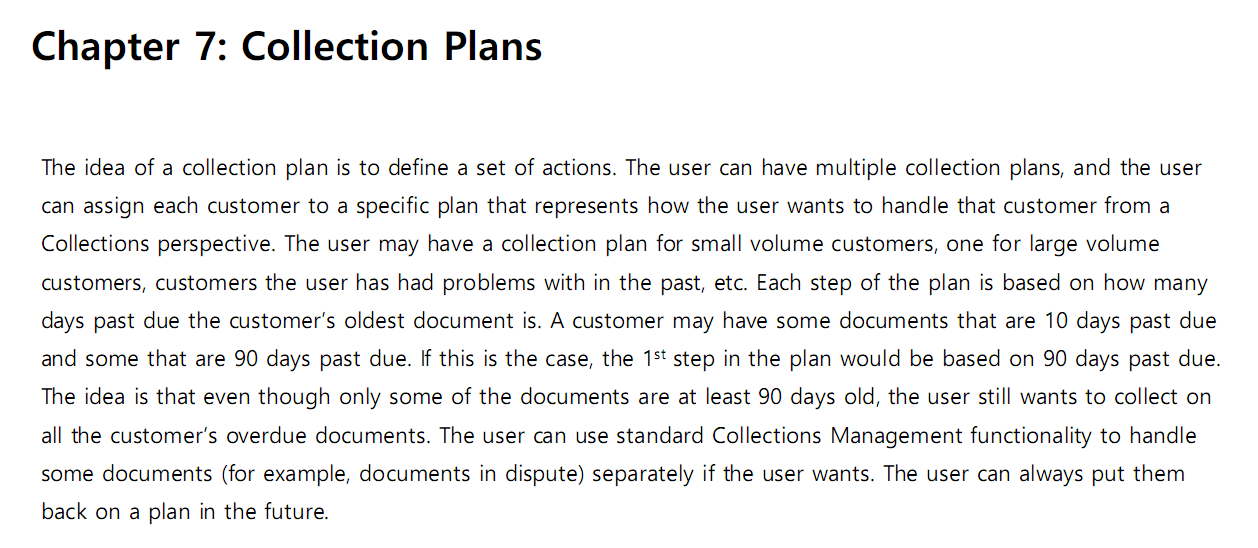 If you want to use this and notification is failing at login, then you might consider this to be a bug and check for an updated product version.. I just had to check for another client last week and the latest CM build is b481 which you can download from the ProfAd site.
Last week the site was extremely slow to respond and I wouldn’t be surprised if they experience some technical issues. Otherwise if you’re already on the latest build, next step would be to open a support ticket with ProfAd.
Good luck.——————————
Beat Bucher
Business Analyst, Dynamics GP SME
Montreal QC/Canada
@GP_Beat http://www.gp-geek.com
Montreal QC GPUG Chapter Leader
MBS MVP (2015-2018)
——————————
——————————————- -
Get your Partner to call Profad. They don’t like talking to end-users and let it show.
Use GPPT and trace the SQL. Look for tables beginning with “CN”. Check the values returned. You may have a bad record that will show itself with a little luck.
——————————
David Morinello
Senior Dynamics GP Systems Architect
Ascend Learning, LLC
Leawood KS
——————————
——————————————-
Heidi-Farnham replied 5 years ago 1 Member · 0 Replies -
-
0 Replies
Sorry, there were no replies found.
The discussion ‘GP “unhandled script exception” “long integer our of range” at login.’ is closed to new replies.
