


Dynamics Business Central (NAV)
Public Group
Active a week ago
Experts:




Jet Hub Error
-
Jet Hub Error
Posted by Lewis Rosenberg on October 30, 2020 at 3:53 pm-
Does anyone run the Jet Reports Hub? We’ve never gotten it to work 100% and we have had it since 2016.
We just upgraded and I hoped that we could resolve any issues with an upgrade.
Currently when I run a report in the Jet Hub, I get this error:
The Jet Hub Url ‘https://servername.domain-name.Net/’ may be incorrect; the following error occurred: Error connecting to https://servername.domain-name.Net/identity/.well-known/openid-configuration: An error occurred while sending the request.
——————————
Lewis Rosenberg
IT Manager
Mars Fishcare
Chalfont PA
http://www.apifishcare.com
————————————————————————
D365UG-BC/NAVUG All-Star
D365UG-BC/NAVUG Board of Advisors, Chairperson Emeritus
D365UG-BC/NAVUG Programming CommitteeTwitter: @RosenbergL
LinkedIn: https://www.linkedin.com/in/rosenbergl
————————————————————————
—————————— -
Have you tried opening the HUB directly from the computer that is hosting it? This would be the computer that is running IIS.
Also on the Jet App server in the Jet Admin Console have you done the setup and assigned permissions to users there? I am guessing you have but still wanted to mention.
This could certainly be a technical IIS or firewall thing and nothing to do with the above.
——————————
Jason Wilder
Senior Application Developer
Stonewall Kitchen
York ME
——————————
——————————————- -
We’ve been using the Jet Hub for a few years now, and can’t complain too much. It has been very stable–even through our upgrade from NAV2016 to BC14. I agree with Jason–it sounds like you’ve got some server setup that is incomplete or not done properly.
——————————
Greg Enns
ERP Coordinator
Technical Prospects
Appleton WI
——————————
——————————————- -
I think we have issues with Web Services now.
For years we had permission errors. Now we upgraded and at first we had this error:

We cleared that up (I think) by enabling TCS1.0 and 1.1.
This was the advice of Jet Support, but they also said that TCS should no longer be needed.Then we had an error 500 trying to load the Jet Hub web page. Jet Support walked me through a creating a new SSL certificate which then broke the Jet Tier.
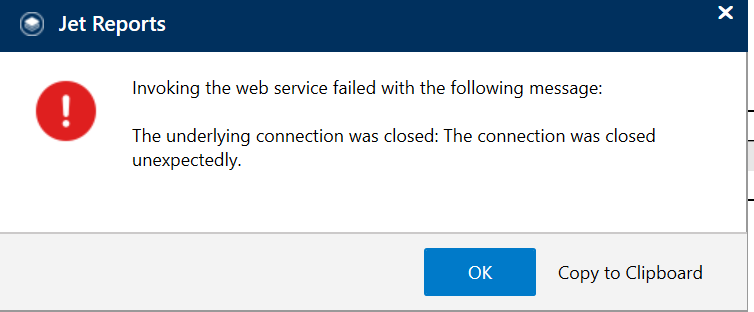
Now we fixed that, but some reports run sometimes and have web service errors other times. The same report will run once and if you re-run it, it will get an error.
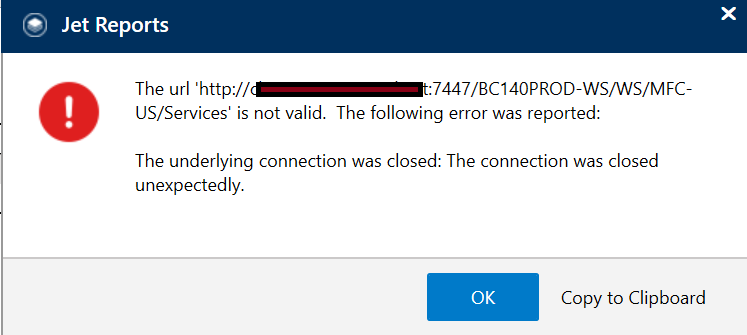
Other times, we get this:
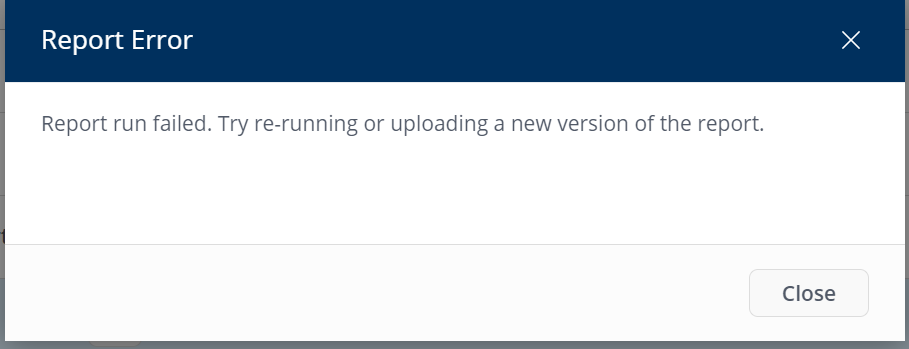
The same report run from the hub, gets this:
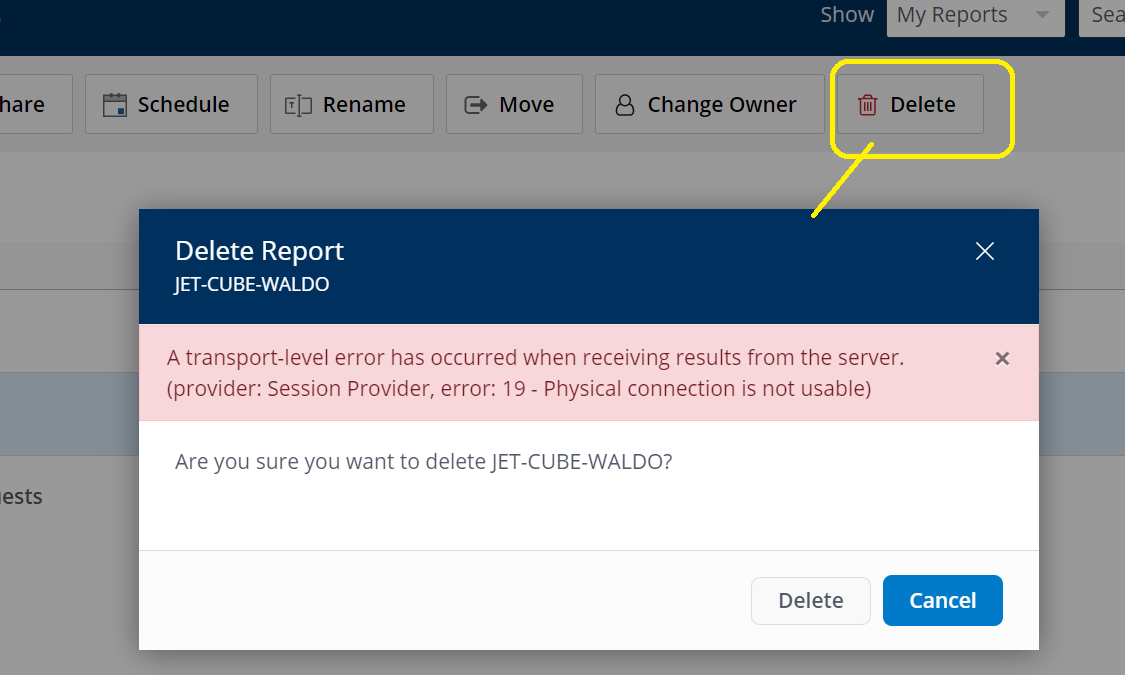
Finally, I have reports uploaded to the hub that I cannot delete.
——————————
Lewis Rosenberg
IT Manager
Mars Fishcare
Chalfont PA
http://www.apifishcare.com
————————————————————————
D365UG-BC/NAVUG All-Star
D365UG-BC/NAVUG Board of Advisors, Chairperson Emeritus
D365UG-BC/NAVUG Programming CommitteeTwitter: @RosenbergL
LinkedIn: https://www.linkedin.com/in/rosenbergl
————————————————————————
——————————
——————————————- -
I think we cleared up all of our issues but one and it is not related just to the Jet Hub, but to running Jet Reports in Excel also.
The Web Service data source does not seem to play well over our VPN connections. It is almost as if something times out. Sometimes running a report is OK and sometimes we get an error. A SQL Data Source is not giving us any errors and the web service data source appears to work fine for computers that are on site and not running over the VPN.
——————————
Lewis Rosenberg
IT Manager
Mars Fishcare
Chalfont PA
http://www.apifishcare.com
————————————————————————
D365UG-BC/NAVUG All-Star
D365UG-BC/NAVUG Board of Advisors, Chairperson Emeritus
D365UG-BC/NAVUG Programming CommitteeTwitter: @RosenbergL
LinkedIn: https://www.linkedin.com/in/rosenbergl
————————————————————————
——————————
——————————————-
Lewis Rosenberg replied 5 years, 11 months ago 1 Member · 0 Replies -
-
0 Replies

Sorry, there were no replies found.
The discussion ‘Jet Hub Error’ is closed to new replies.
