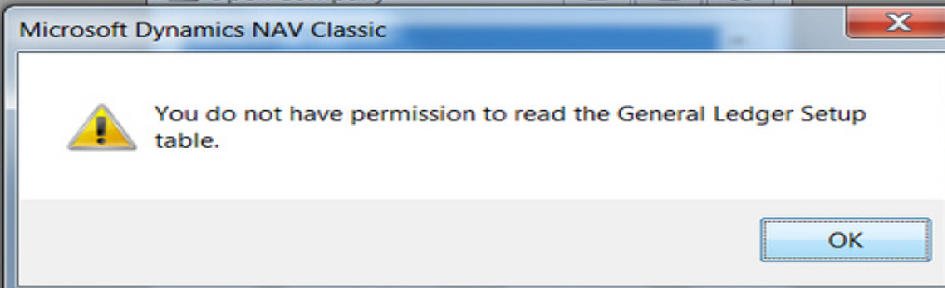
Sometimes, you get an error that you need to report to your support team. Screen shots are the most common form of delivering this news to your support team. But, see below for a much faster way.
When you see the error, select Ctl-C. Then, you can Ctl-P in an email, or whatever and you will get the error in text form as seen below. Try it and save time.
——————————————————————————————- Microsoft Dynamics NAV ——————————————————————————————- You do not have permission to read the General Ledger Setup table. ——————————————————————————————- OK ——————————————————————————————- #savetime #reporterrors #lazywayisbest #worksinbusinesscentral #savediskspace
?????
?
—————————— Jon Long Director of ArcherPoint-Upgrades ArcherPoint Inc. GA ——————————
Samuel Champoux
Member
September 21, 2018 at 3:25 PM
?Yep, that work well!
Also, showing people to “Alt-Screenshot” so that only the focus window is in the screenshot helps too.
—————————— Samuel Champoux IT Director Drummondville QC Canada —————————— ——————————————-
Please note:
This action will also remove this member from your connections and send a report to the site admin.
Please allow a few minutes for this process to complete.

Report
You have already reported this .
Welcome to our new site!
Here you will find a wealth of information created for peopleĀ that are on a mission to redefine business models with cloud techinologies, AI, automation, low code / no code applications, data, security & more to compete in the Acceleration Economy!