
Latest Power Platform Content — Page 2 — How Tos
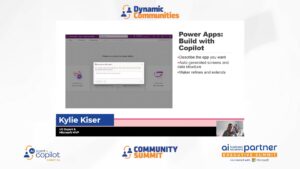
Practical AI: Maker Tools in Power Platform, Power Apps
Kylie Kiser reviews the practical applications of AI tools in Power Apps, Power Platform, and Power Automate that are available to makers, in part 3 of her series on practical AI.
 March 10, 2026
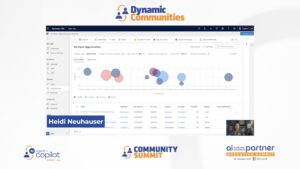
Using the Data Operation Connector in Power Automate with Model-Driven Apps
Learn how to use the Data Operations connector's Compose action in Power Automate to generate a dynamic deep link directly to a specific record inside a Model Driven App or Dynamics 365 Customer Engagement.
 February 26, 2026

Power Apps Code Apps: Empowering Developers with Code-First Solutions
Power Apps Code Apps lets pro developers build Power Platform apps with full-code control using frameworks like React and TypeScript. This article covers setup options, licensing, security, and Git/GitHub workflows for collaboration.
 February 23, 2026
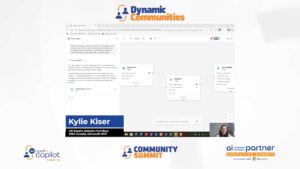
Vibe vs Plan Designer: Reviewing Data Models
In part 2 of her series on Vibe vs. Plan Designer, UG Expert and MVP Kylie Kiser reviews the data models of both.
January 9, 2026
