
Practical Data Analysis Tools for Business Central Specialists

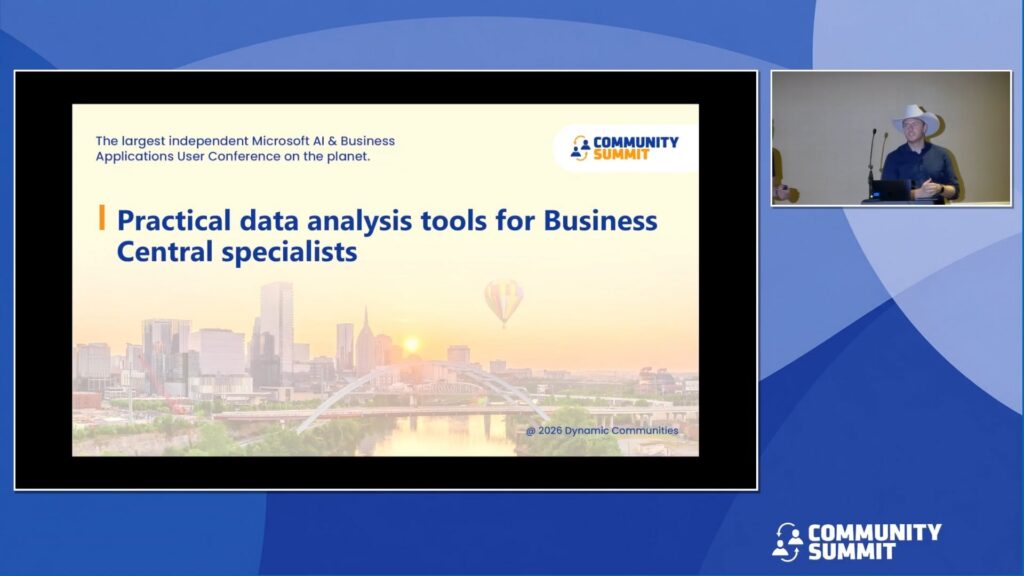
Session Overview: In this session, I will explore the comprehensive data analysis capabilities available within Dynamics 365 Business Central. You will gain insights into leveraging built-in reporting features, Excel layouts, and the powerful Analysis Mode—both standalone and enhanced with Copilot and AI. I will also cover creating and utilizing queries for advanced reporting, integrating Business Central with Power BI for interactive dashboards, and connecting with Excel for flexible data manipulation. This session is designed to equip Business Central experts with tools and techniques to transform raw data into business insights.
Learning Objectives:
- Understand and compare the data analysis options available in Dynamics 365 Business Central, including built-in reports, Excel layouts, and Analysis Mode.
- Connect Business Central data with Excel and Power BIfor flexible data manipulation, ad-hoc analysis, and end-user reporting.
- Design and execute queries in Business Central to support advanced and reusable reporting scenarios.
Speakers: Renato Fajdiga, Milan Milincevic
Recorded at: Community Summit NA 2026
Type: Education Session
Ability Level: 201 – Intermediate
Primary Product: Business Central/NAV
Tracks: Business Intelligence (BI) & Reporting
Terms: All rights reserved by the speaker, Community Summit NA, and Dynamic Communities and cannot be reproduced or distributed without express written consent by the speaker and Dynamic Communities.
