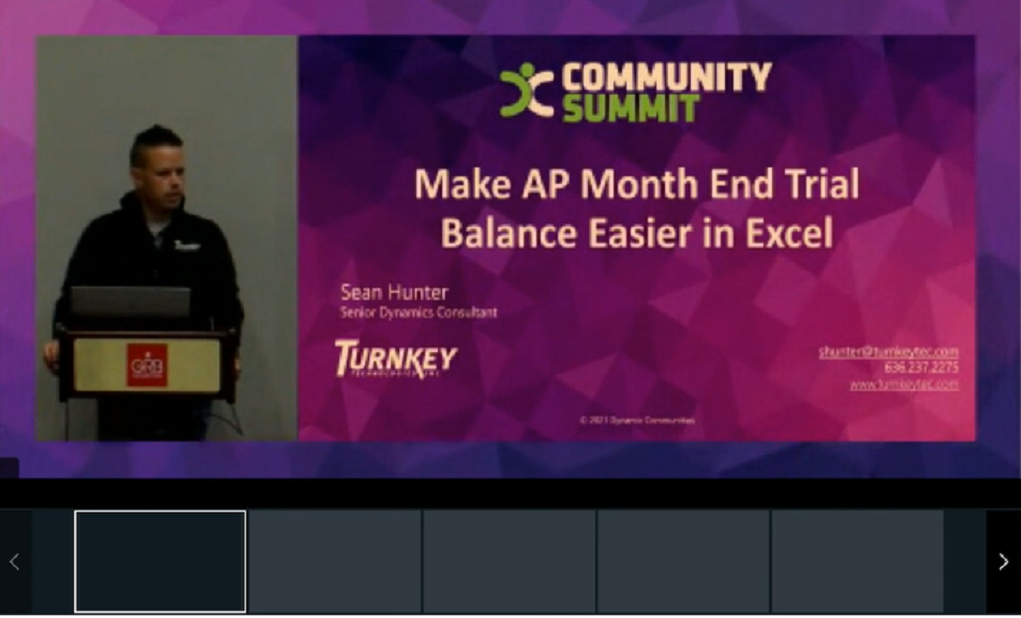
Make AP Month Trial Balance Reporting Easier in Excel
Log in to watch this session
Already a subscriber? Log in to watch the recording and download the handouts.
About this session
Learning how to build, customize, and deploy the AP Historical Aging Report will allow companies to step outside of the GP box and use Excel to power their month end AP Trial Balance needs. Not only does this promote a more efficient method for reporting but it also allows customizations to be applied which add new fields from any data table. Excel reports are also flexible in that they are accessible from outside of the GP application. Users will leave with the knowledge to deploy the new report Users will understand configuring security for user access. Users will learn how to join new tables so that new fields can be added Users will learn how to rename columns in the dataset Users will learn how to construct a functional Aging Report with pivot tables based on the dataset.