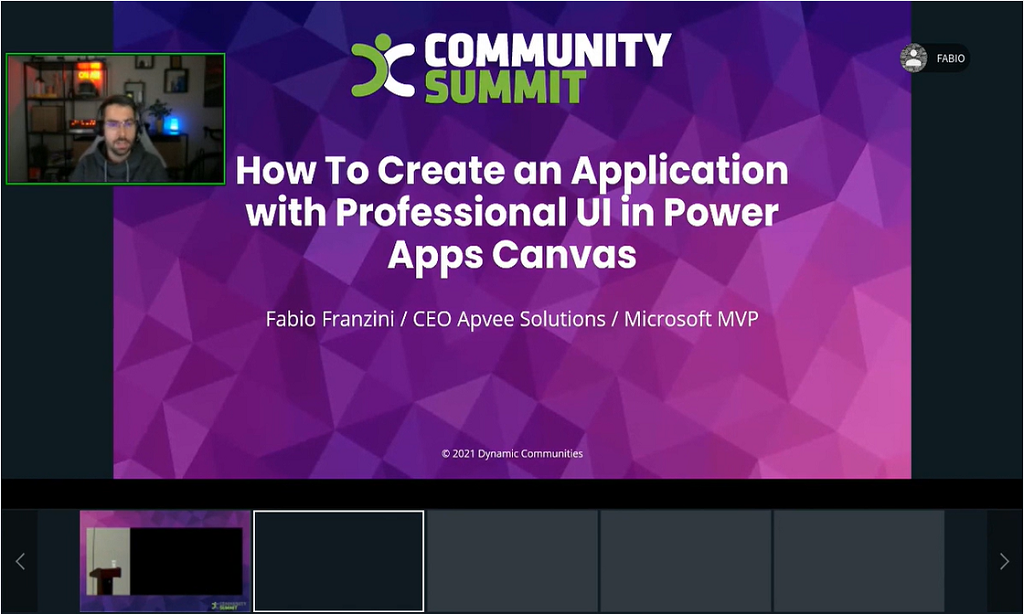
How To Create An Application with Professional UI in Power Apps Canvas
Log in to watch this session
Already a subscriber? Log in to watch the recording and download the handouts.
Access to this content requires a Subscription plan.
About this session
Using Power Apps Canvas, the applications we create look like toys, with truly little graphic consistency compared to the rest of the applications we are used to using in a Microsoft 365 environment.
In this session I will show practical and technical tips to create applications in Canvas App that will be professional and responsive, going beyond what the environment offers us by default We will also see practical examples on how to use the ‘fluentui-custom-theme’ open source project template by rewriting real applications.