
From Talk to Tables: Closing the CRM Data Gap with AI Builder and Power Automate

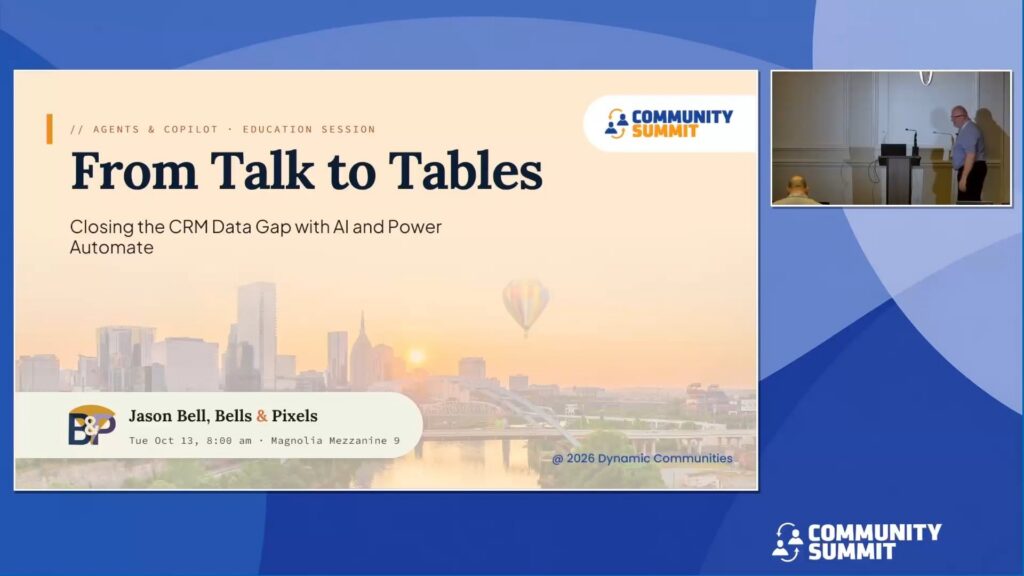
Session Overview: Every discovery call your reps run holds the data your CRM is missing: budget, timeline, who signs, what’s next. It ends up buried in a transcript nobody reads twice, and your pipeline pays for it.
This session shows how to close that gap with Power Automate and Dataverse: turn a call transcript into structured Dynamics 365 data and write it back to the opportunity automatically. We’ll cover why most AI demos use the wrong prompt type for automation and what to do instead. Then we’ll look at where AI is heading: models that only make decisions, each with a confidence score, while your flow does the writing and anything uncertain becomes a task for a person.
You’ll leave with a five-layer prompt architecture, a crawl/walk/run build path, and a realistic picture of what it takes to run reliably.
This is non-zero effort. But it’s buildable, and it solves a real problem.
Learning Objectives:
- Explain the difference between a conversational prompt and an automation prompt, and why the wrong one causes hallucination and bad data in production.
- Apply the five-layer prompt architecture (persona, context, guardrails, output schema, output template) to transcript extraction, and decide which layers belong in the prompt and which belong in your flow and Dataverse.
- Outline a crawl/walk/run path to automated CRM updates, with confidence thresholds and human-in-the-loop checkpoints.
Speakers: Jason Bell
Recorded at: Community Summit NA 2026
Type: Education Session
Ability Level: 301 – Advanced
Primary Product: Dynamics 365 CE (CRM)
Tracks: Dynamics 365 CE (CRM)
Terms: All rights reserved by the speaker, Community Summit NA, and Dynamic Communities and cannot be reproduced or distributed without express written consent by the speaker and Dynamic Communities.
