
Layouts, Lies, and Data: The Truth About BC Reporting

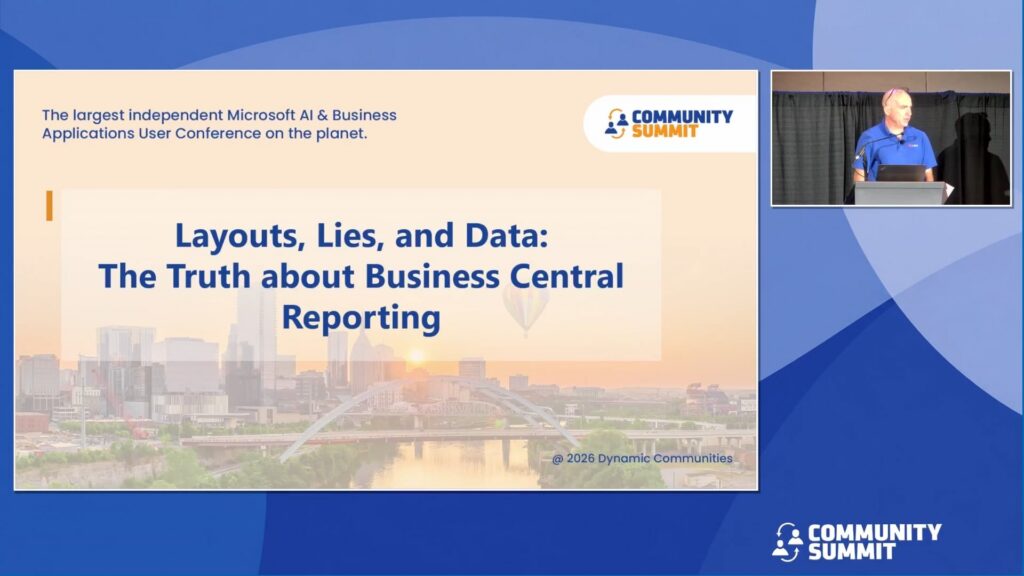
Session Overview: Business Central’s reporting toolkit is surprisingly deep—if you know where to look. This session gives you a practical tour of what’s available out of the box and how far you can push it. We’ll cover the built-in financial reporting and analysis tools, show you how to customize Word, Excel, and RDL layouts to fit your needs, and dig into how custom tables, fields, queries, and API endpoints that take your reporting beyond what the standard platform offers. Leave with a clear picture of the full reporting toolkit in BC.
Learning Objectives:
- Master the built-ins: Use the Analyze function, Financial Reports, and Analysis by Dimensions to answer common business questions without any customization.
- Design with purpose: Customize report layouts for any audience by choosing the right format among Word, Excel, and RDL and applying the techniques that make each one effective for its intended use case.
- Scale beyond the standard platform: Build report extensions with custom fields and tables, designing high-performance queries, and creating API endpoints to surface data where it’s needed most.
Speakers: Jason Chance
Recorded at: Community Summit NA 2026
Type: Education Session
Ability Level: 201 – Intermediate
Primary Product: Business Central/NAV
Tracks: Business Intelligence (BI) & Reporting
Terms: All rights reserved by the speaker, Community Summit NA, and Dynamic Communities and cannot be reproduced or distributed without express written consent by the speaker and Dynamic Communities.
