12 Things Every Beginner Should Know About Power Automate
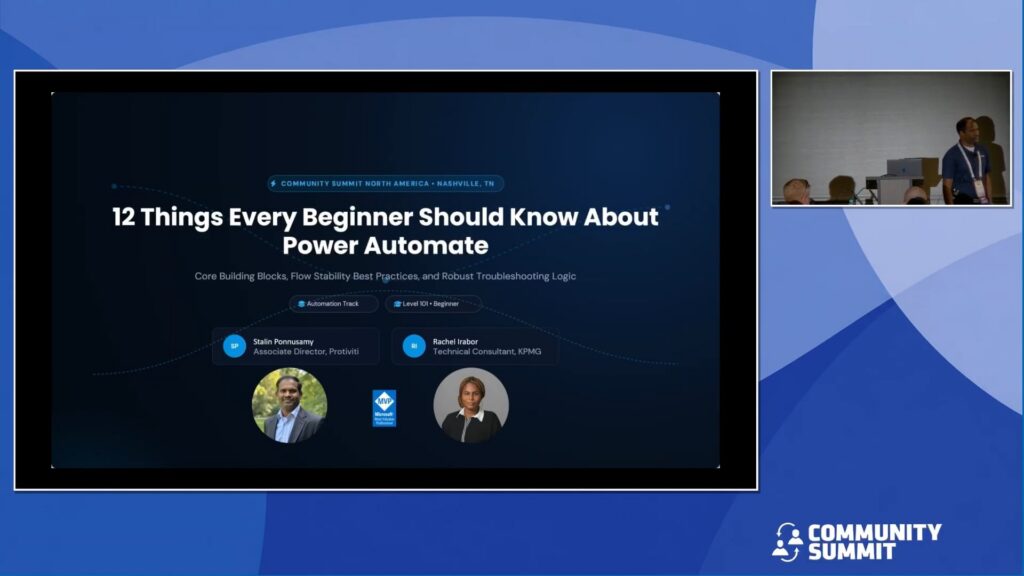
Log in to watch this session
Already a subscriber? Log in to watch the recording and download the handouts.
About this session
Session Overview: Are you looking to automate repetitive tasks but don’t know where to start? Join this session to learn the top 12 foundational concepts of Power Automate.
Designed specifically for beginners, we will move beyond the basics of turning on a flow. You will learn:
Essential Concepts: Understanding triggers, actions, and the difference between instant and automated flows.
Practical Application: Connecting Power Automate to other Power Platform tools like Power BI and Copilot Studio.
Best Practices & Governance: How to build securely, manage sharing, and avoid common pitfalls like infinite loops and pagination issues.
Troubleshooting: Essential techniques for error handling to ensure your flows run reliably.
Whether you are in IT or business operations, you will leave this session with the confidence to start building efficient, robust automation solutions.
Learning Objectives:
- Define and Distinguish Core Components
- Implement Best Practices for Stability
- Execute Reliable Troubleshooting and Logic
Speakers: Stalin Ponnusamy, Rachel Irabor
Recorded at: Community Summit NA 2026
Type: Education Session
Ability Level: 101 – Beginner
Primary Product: Power Automate
Tracks: Automation
Terms: All rights reserved by the speaker, Community Summit NA, and Dynamic Communities and cannot be reproduced or distributed without express written consent by the speaker and Dynamic Communities.